USING
THE
SEGA
GENESIS
SYSTEM
SOFTWARE
Administration
6
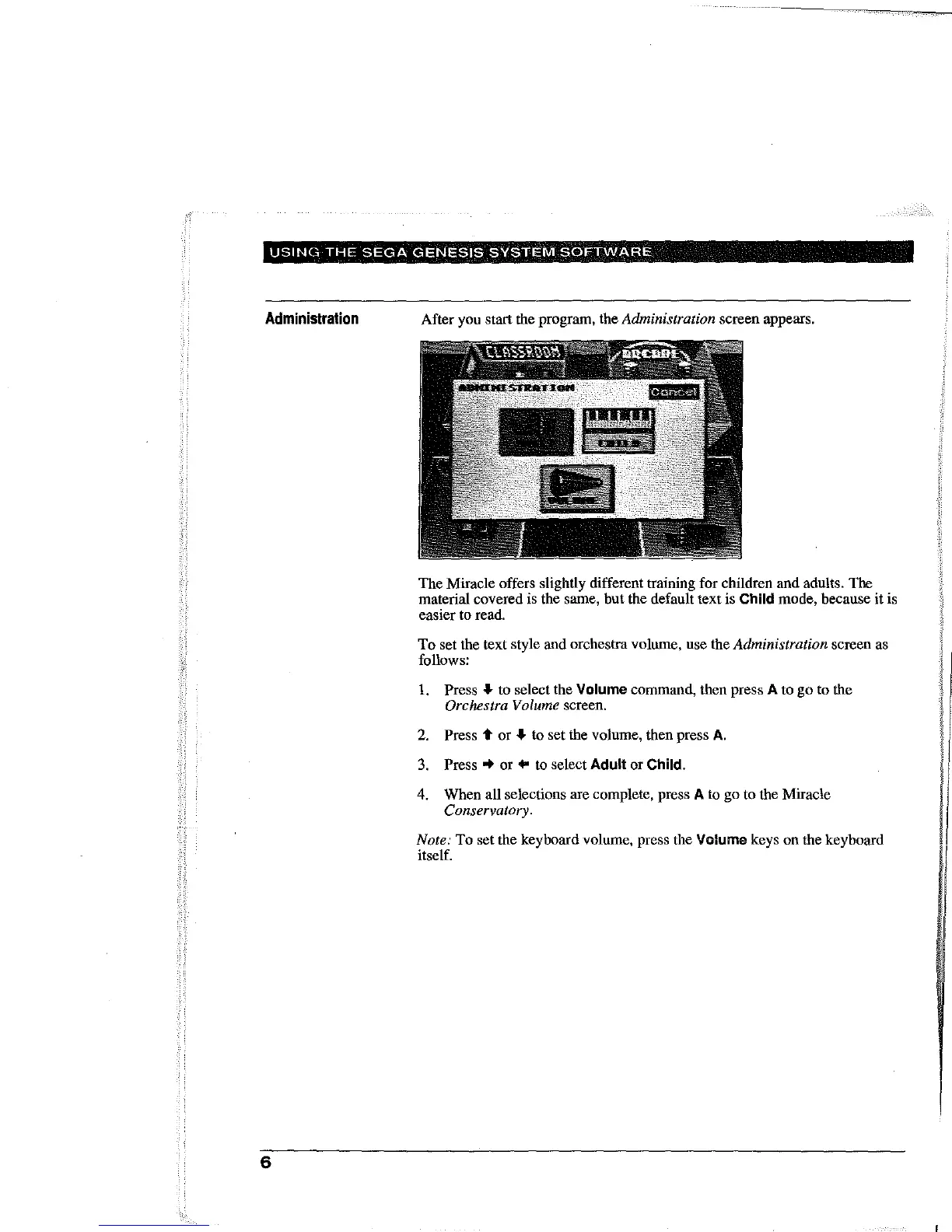
After you start the program, the Administration screen appears.
The Miracle offers slightly different training for children and adults. The
material covered is the same, but the default text is
Child mode, because it is
easier
to
read.
To set
the
text style
and
orchestra
volume, use
the
Administration screen
as
follows:
1.
Press
~
to
select the Volume command, then press A to go to the
Orchestra Volume screen.
2.
Press t or
~
to
set the volume, then press
A.
3.
Press"
or
..
to
select Adult
or
Child.
4. When all selections are complete, press A
to
go to the Miracle
Conservatory.
Note: To set the keyboard volume, press the Volume keys on the keyboard
itself.



 To Next Page