USING
THE
SEGA
GENESIS
SYSTEM
SOFTWARE
Classroom
8
The
Miracle Classroom includes
36
different Chapters with multiple Lessons
for learning a particular song. A Lesson usually involves at least
one
instructional Chalkboard, a demonstration, and activities.
To
go to the Classroom from the Conservatory:
1.
Press the arrow keys to select the Classroom, then press
A.
2.
Press"
or
..
to select
one
of
these
commands,
then press
A:
Go
to
Chapter
-
Press'"
or
...
to select any
Chapter
you want.
Resume
Chapter
-
If
you used other rooms, this continues the current
Chapter and Lesson.
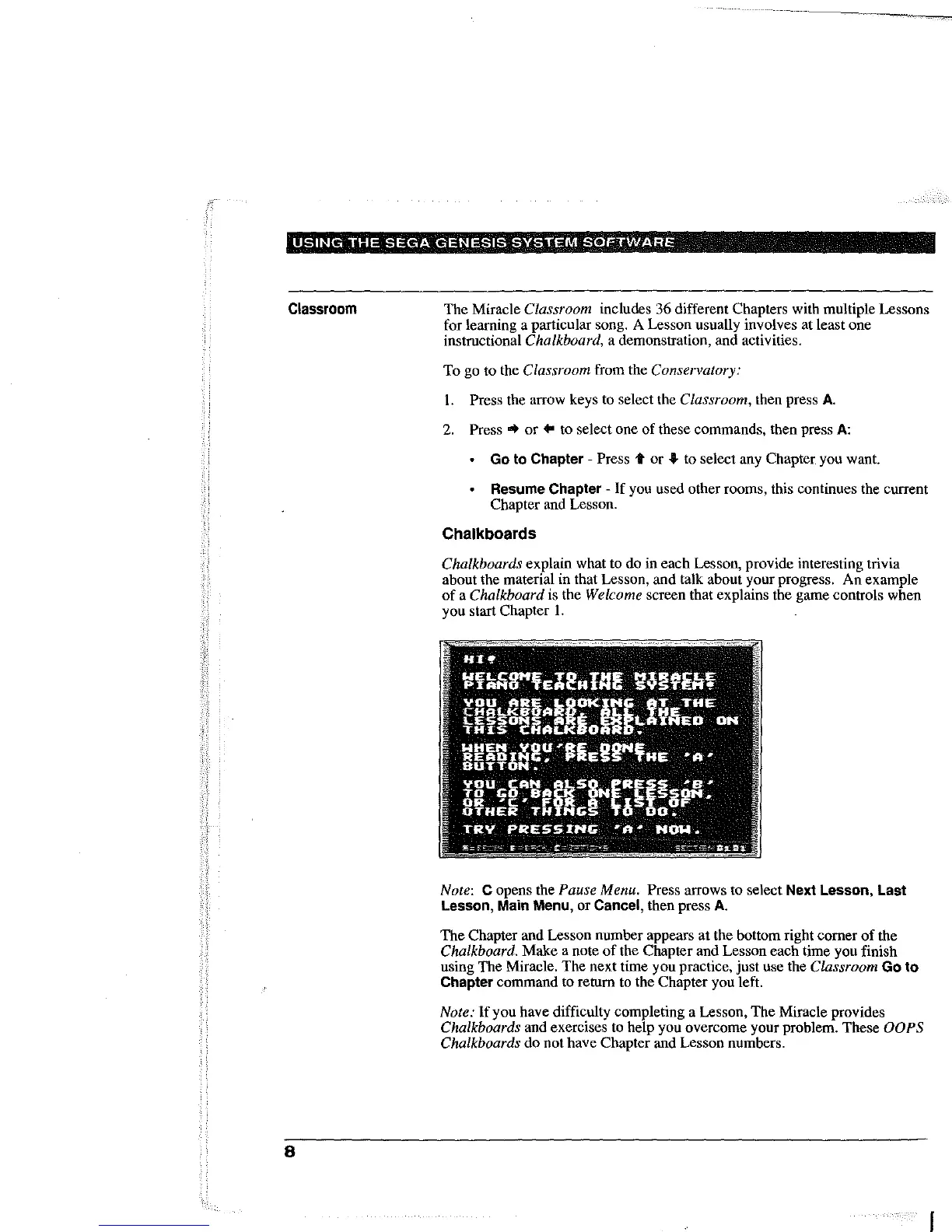
Chalkboards
Chalkboards explain what to
do
in
each
Lesson, provide interesting trivia
about the material in that Lesson,
and
talk about your progress.
An
example
of
a Chalkboard is the Welcome screen that explains the
game
controls when
you
start
Chapter
1.
Note: C opens the Pause Menu. Press arrows to select Next
Lesson,
Last
Lesson,
Main Menu, or
Cancel,
then press
A.
The
Chapter and Lesson number appears
at
the bottom right
comer
of
the
Chalkboard.
Make
a note
of
the
Chapter
and Lesson each time
you
finish
using
The
Miracle.
The
next time
you
practice,
just
use the Classroom
Go
to
Chapter
command
to return to the
Chapter
you left.
Note:
lfyou
have difficulty completing a Lesson,
The
Miracle provides
Chalkboards and exercises to help you overcome your problem.
These
OOPS
Chalkboards
do
not
have
Chapter
and Lesson numbers.
I



 To Next Page