Using
The
Miracle
Conservatory
USING
THE
SEGA
GENESIS
SYSTEM
SOFTWARE
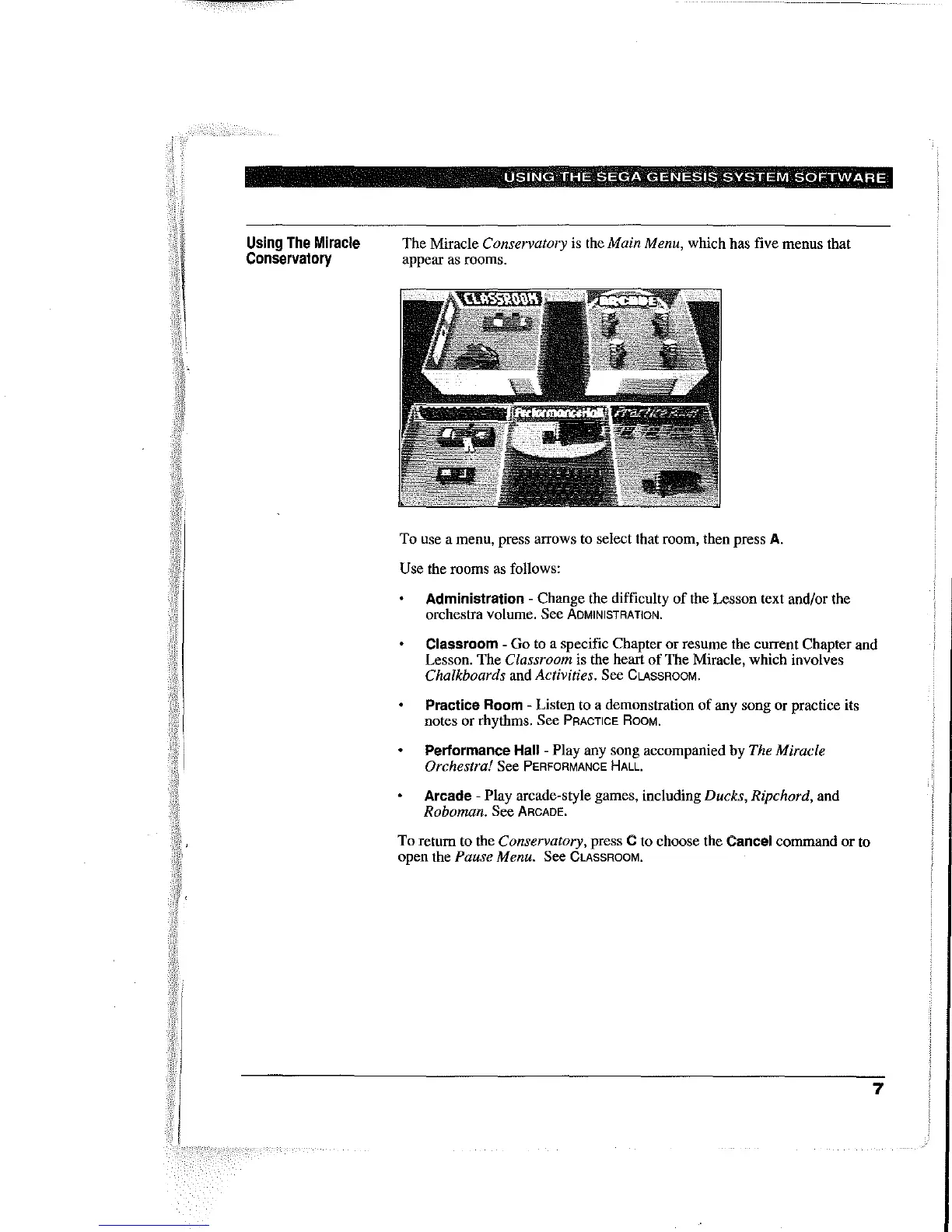
The Miracle Conservatory is the Main Menu, which has five menus that
appear as rooms.
To
use a menu, press arrows to select that room, then press
A.
Use the rooms as follows:
Administration - Change the difficulty
of
the Lesson text and/or the
orchestra volume. See
ADMINISTRATION.
Classroom -
Go
to a specific Chapter
or
resume Ihe current Chapter and
Lesson.
The
Classroom is the heart
of
The Miracle, which involves
Chalkboards and Activities. See CLASSROOM.
Practice Room - Listen to a demonstration
of
any song
or
practice its
notes
or
rhythms. See PRACTICE ROOM.
Performance Hall - Play any song accompanied by The Miracle
Orchestra!
See PERFORMANCE
HALL.
Arcade - Play arcade-style games, including Ducks, Ripchord, and
Roboman. See ARCADE.
To
return to the Conservatory, press C to choose the Cancel command or to
open the
Pause Menu. See CLASSROOM.
7



 To Next Page