USING
THE
SEGA
GENESIS
SYSTEM
SOFTWARE
3.
Press"
or
..
to select one
of
these commands:
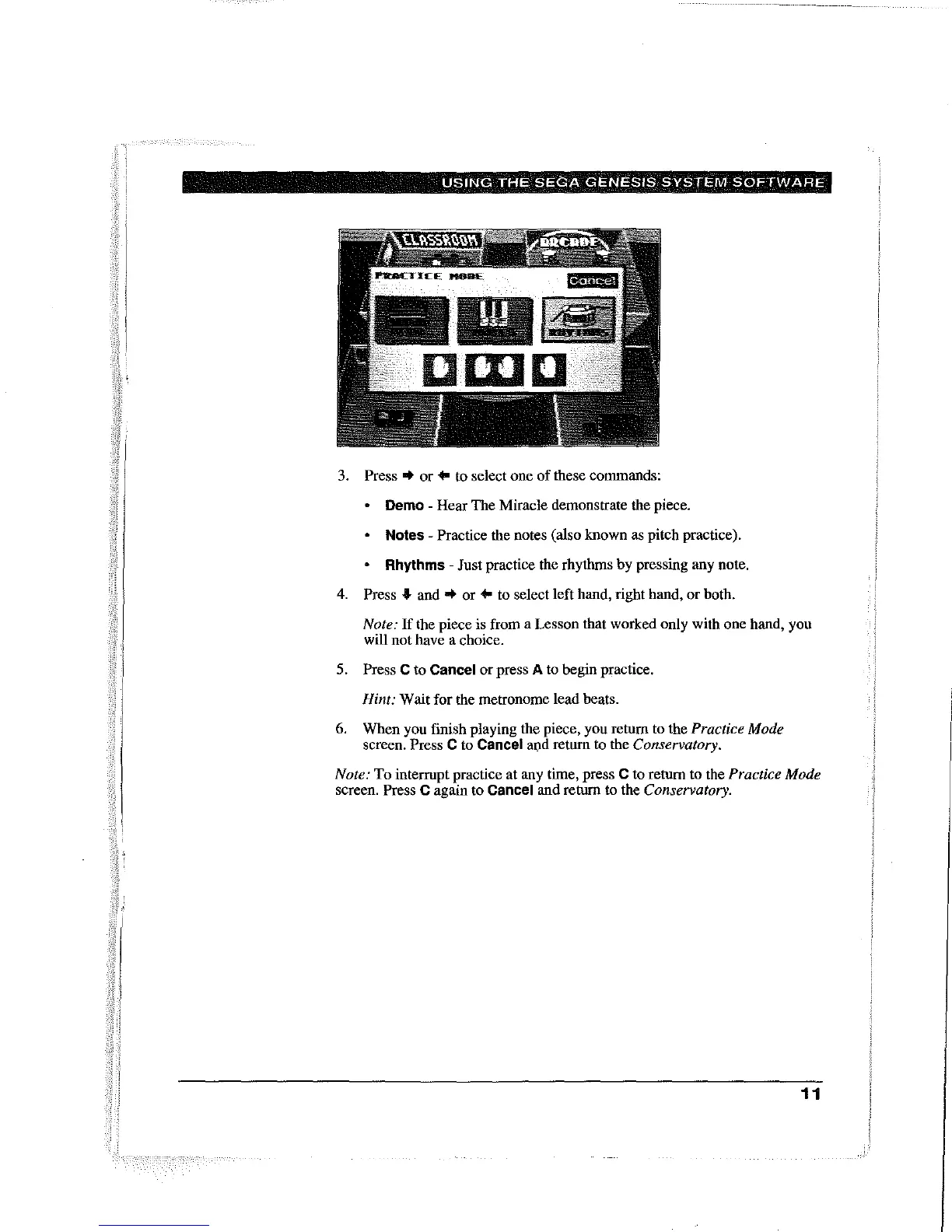
Demo - Hear The Miracle demonstrate the piece.
Notes - Practice the notes (also known as pitch practice).
Rhythms - Just practice the rhythms by pressing any note.
4.
Press.
and"
or
..
to select left hand, right hand, or both.
Note:
If
the piece is from a Lesson that worked only with one hand, you
will not have a choice.
5.
Press C to Cancel or press A to begin practice.
Hint: Wait for the metronome lead beats.
6.
When you finish playing the piece, you retum to the Practice Mode
screen. Press C to Cancel and return to the Conservatory.
Note:
To interrupt practice at any time, press C to return to the Practice Mode
screen. Press C again to Cancel and return to the Conservatory.
11



 To Next Page