30
SONIC 3D FLICKIES’ ISLAND
GAME CONTROLS
The following are the default controls for this game.
✪ Use the A or C button to jump and Spin Attack.
✪ Hold down any direction to run and press the opposite direction to quickly
brake.
✪ Hold down the B button while standing still to spin, and release the button
to execute the Spin Dash.
✪ Roll freely while Sonic is in motion by holding down the B button.
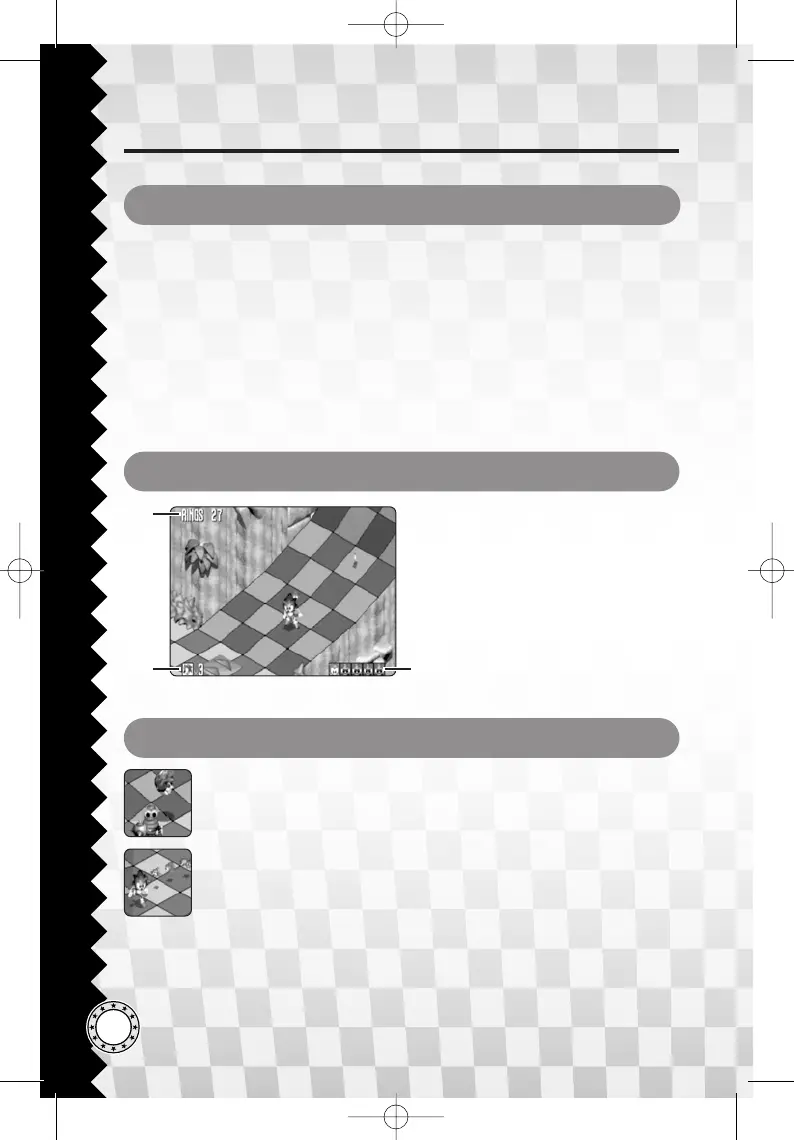
GAME SCREEN
1
2 3
1 Number of Rings
Flashes when zero
2 Remaining Lives
3 Flicky Counter
Lights on when found.
ROBOTS & FLICKIES
Spin Attack or Spin Dash into a robot (top) to break it open and
release the Flicky that is trapped inside. Once the Flicky is free, run
past it to attract its attention. The Flicky will then follow Sonic
(bottom). When Flickies are following, they can help you get items
in places that are tough to reach.
If Sonic gets hurt by a robot, the Flickies following will scatter, so
try to pick them up again.







 To Next Page