GAME GEAR SERIES
Back in 1991, SEGA successfully launched a colour portable video game
system named the Game Gear®. Six of the classic Sonic games from the
legendary Game Gear® system are also included in this collection.
The following are the introductions and basic controls of the Game Gear®
games. For details on each game, also refer to the Game Control screen (P.6),
which will appear once the game is selected from the Game Menu.
Split-screen competition games are available
for Sonic Drift and Dr. Robotnik’s Mean
Bean Machine. The game will start in the
split-screen mode whenever Player 1 chooses
to activate the control device of Player 2
before entering the respective game.
2 PLAYER SPLIT-SCREEN MODE
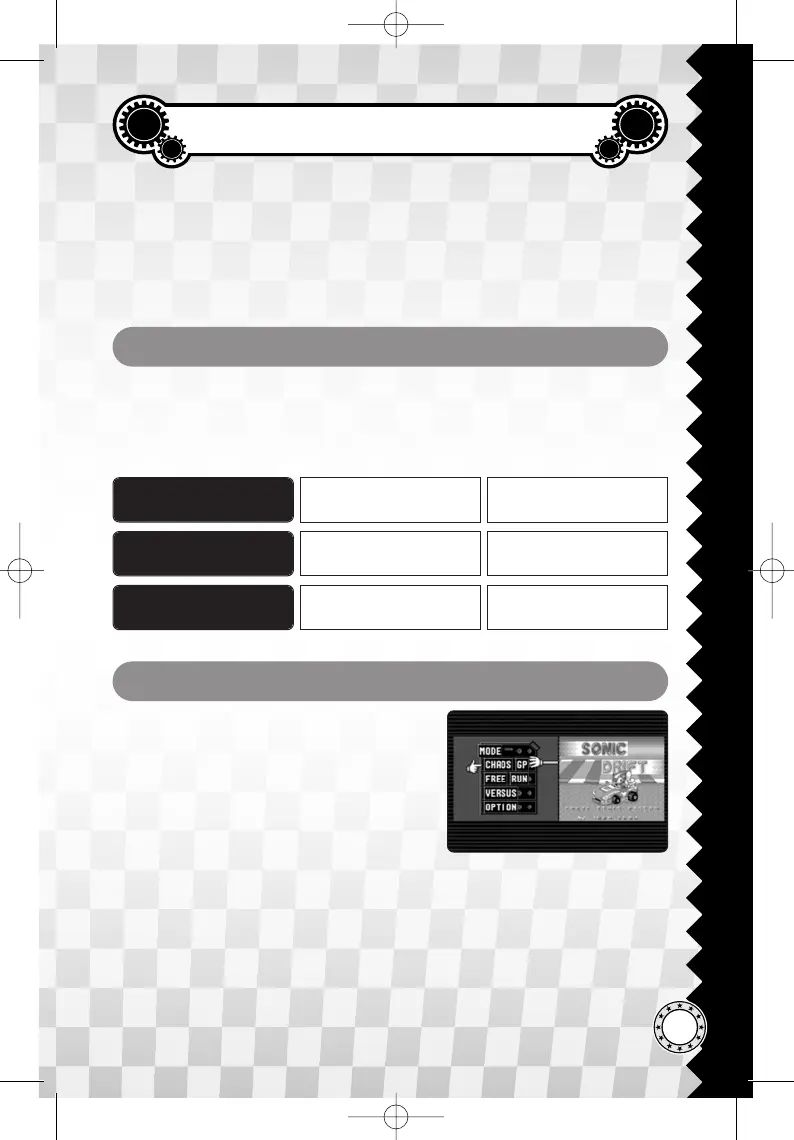
✪ Two-player Game Gear games can only be
played in split-screen mode (see screenshot).
✪ Games cannot be saved or loaded while playing two-player Game Gear
games.
✪ Player 1 or Player 2 must select the VERSUS (Sonic Drift) or GEAR TO
GEAR (Dr. Robotnik’s Mean Bean Machine) from the in-game menu to
start their competition.
LEFT : PLAYER 1
RIGHT : PLAYER 2
SELECTION SCREEN
Enter Key (1P)
Right Control Key (2P)
START / CONFIRM Start
DEFAULT KEY KEY FUNCTION
Space Key (1P)
End Key (2P)
BACK / CANCEL B
A/S/D/F (1P)
5 / 2 / 1 / 3 (2P)
MOVE CURSOR Up/Down/Left/Right
The following controls are for the selection screens of the Game Gear® games.
Note that both A/B buttons are to confirm your selection for Sonic the
Hedgehog, Sonic Blast and Dr. Robotnik’s Mean Bean Machine.
MENU ACTION
41







 To Next Page