5
STARTING THE GAME
MENU CONTROLS
Enter Key (1P)
Right Control Key (2P)
START / CONFIRM
Start
DEFAULT KEY KEY FUNCTION
Space Key (1P)
End Key (2P)
BACK / CANCEL B
A/S/D/F (1P)
5 / 2 / 1 / 3 (2P)
MOVE CURSOR Up/Down/Left/Right
The following are the default controls for the menu screens. Note that the KEY
FUNCTION refers to the function represented in the Button Setting (P.4).
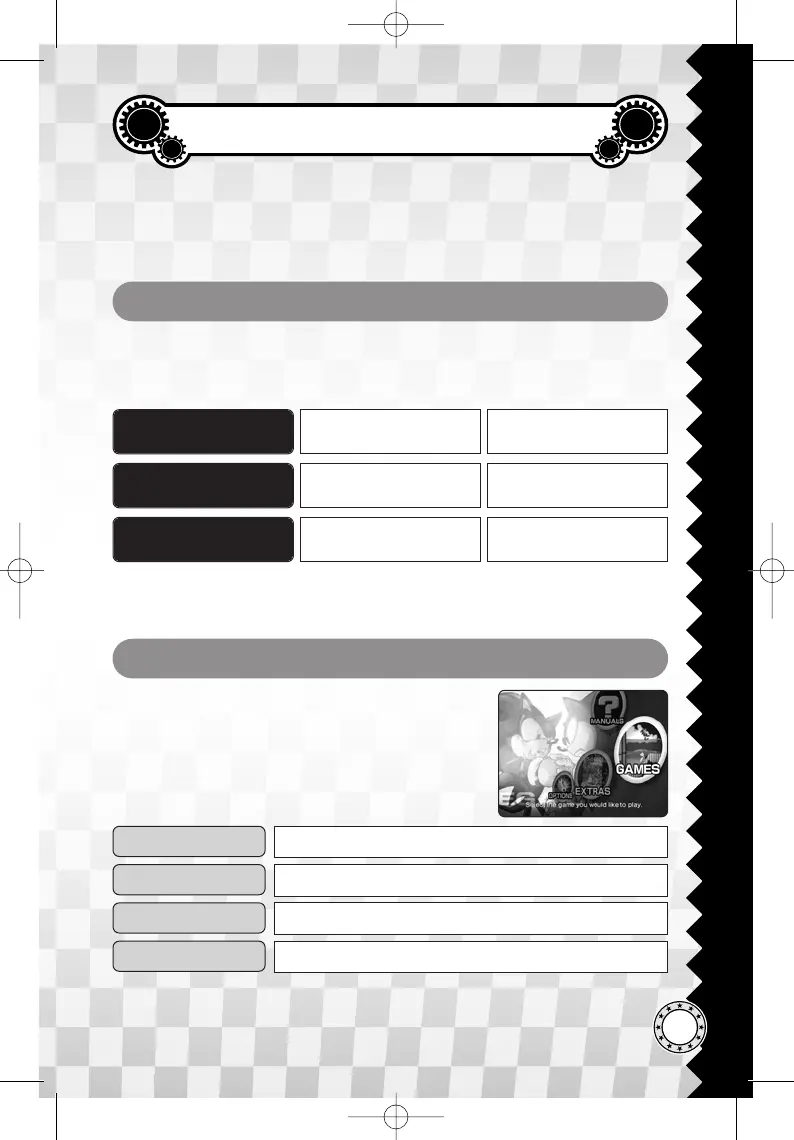
Press the Start button at the Title Screen and the first
menu screen you will access is the Main Menu.
Highlight and confirm one of the following menu
items to bring up the next menu screen.
EXTRAS
MANUALS
GAMES
OPTIONS
Check the original game manuals (P.6).
Play the games of this collection. (P.6).
See illustrations, comics, and movies. (P.6).
View Hints and Credits of this game (P.7).
MAIN MENU
*1P: Player 1 / 2P: Player 2.
*The number keys assigned to move the cursor are the keys of the numeric keypad.
MENU ACTION
Please note that this manual will use the functions represented in the Button
Setting (P.4) to explain the menu and game controls, and not on the keys or
buttons of your input device(s).







 To Next Page