6
GAME MENU
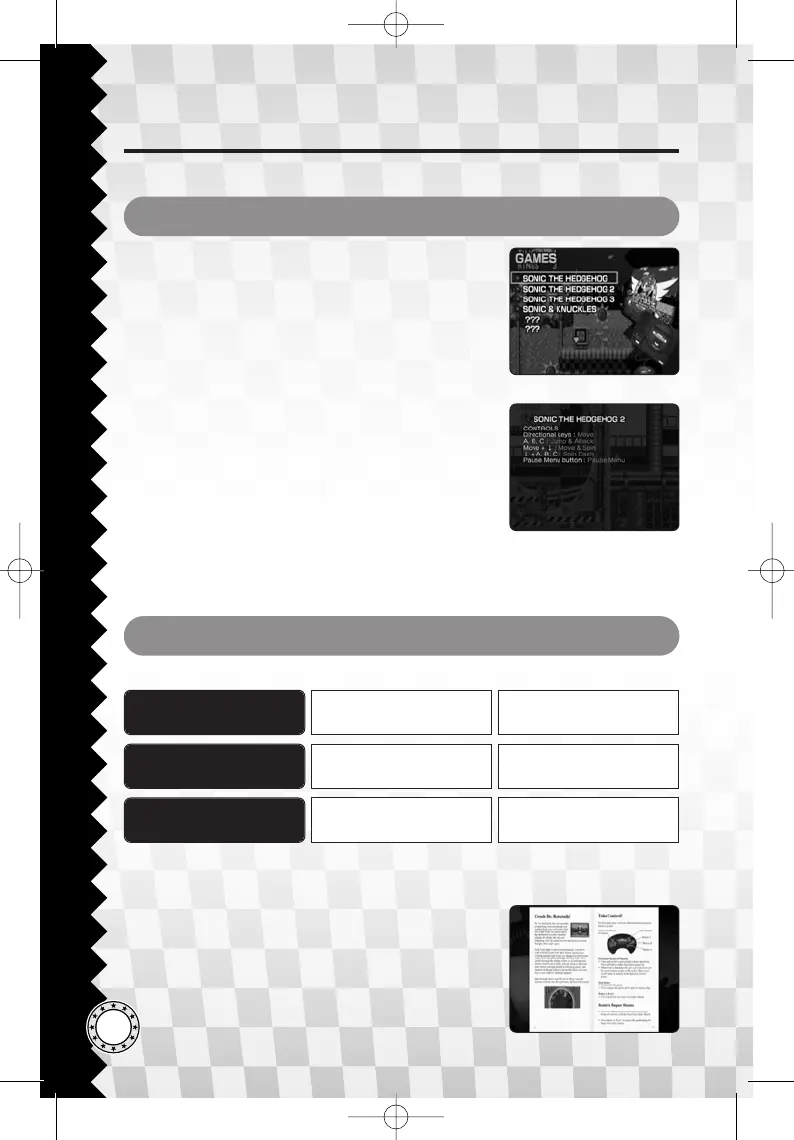
Highlight a title from the Game Menu and press the
Start button to begin a game. Games listed as
???are unlocked when the set requirements are
fulfilled.
♦ GAME CONTROL / 2P CONFIRMATION
STARTING THE GAME
MANUALS / EXTRAS
View the game manuals of the original game system
from MANUALS, and find the classic artwork and
movies of Sonic in the EXTRAS.
Highlight and confirm an item of your choice from
the respective menu to check the selected content.
D
S
PREVIOUS PAGE
NEXT PAGE
C
X
A/S/D/F (1P)
5 / 2 / 1 / 3 (2P)
MOVE ITEM Up/Down/Left/Right
F / E (1P)
Page Up/Home (2P)
ZOOM IN/OUT Z/Y
*1P: Player 1 / 2P: Player 2.
*The number keys assigned to move the displayed item are the keys of the numeric keypad.
DEFAULT KEY KEY FUNCTIONACTION
Controls of the game will be displayed when you
select a title from the Game Menu. Scroll down the
screen if needed to read all of the information. Press
the Start button when you are ready to start the
game.
For a game that features simultaneous two-player
gameplay, Player 1 can choose to enable the second
controller before starting the two-player game.
*Press the A button from the second device to confirm.







 To Next Page