33
SONIC SPINBALL
♦ GAME OBJECTIVE
Using Sonic as a pinball, work your way up through the Veg-O-Fortress
uncovering concealed passageways, collecting Emeralds and avoiding deadly
traps. Up to four people can take turns to play this game.
GETTING STARTED
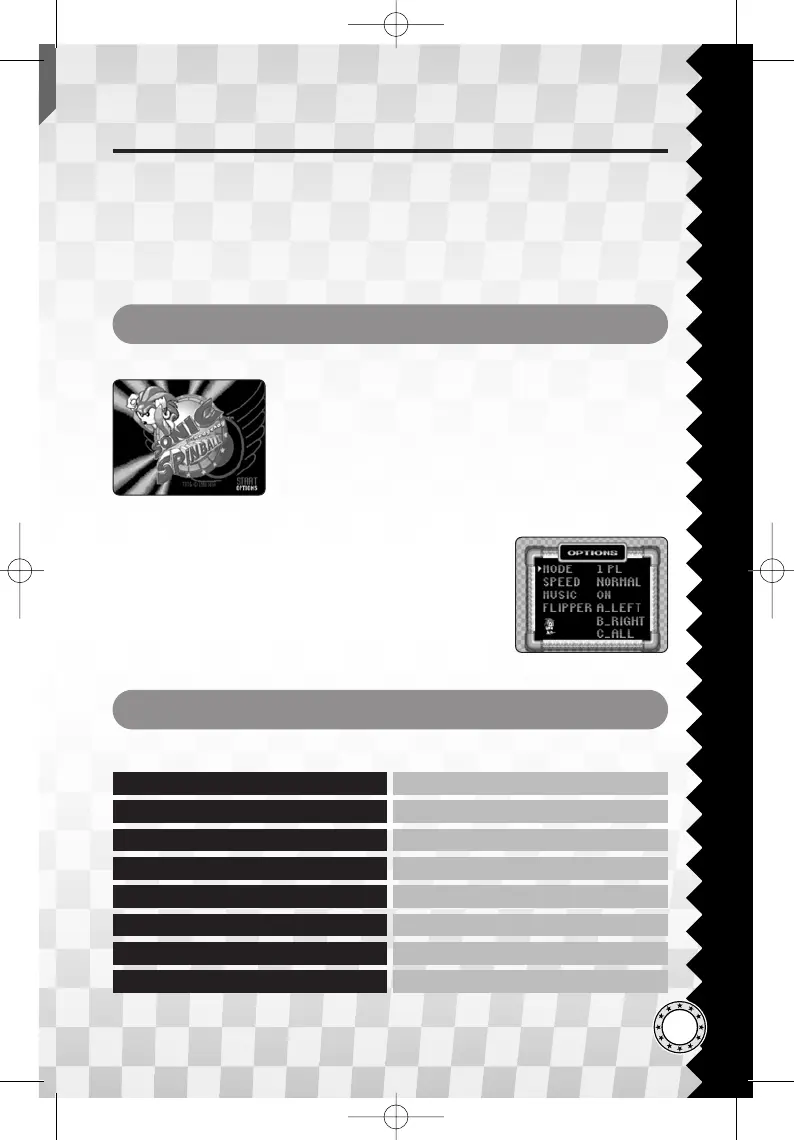
Use the Up/Down button on the Title Screen to select
either START or OPTIONS and press the Start button
to confirm.
For multiplayer game (alternating play), change the
number of players in OPTIONS.
♦ TITLE SCREEN
♦ OPTIONS MENU
Use the Up/Down button during the OPTIONS to
select different menu items. Use the Left/Right button
to change settings and press the Start button to return
to the Game Menu to start the game. Note that “A (A
button),” “B (B button),” and “C (C button)” are the
functions represented in the Button Setting (P.4).
GAME CONTROLS
The following are the default controls for this game.
Start PAUSE GAME
Up / Down / Left / Right MOVE SONIC
A / B / C JUMP (ON GROUND)
Down, A / B / C SPIN DASH
B RIGHT FLIPPER
A LEFT FLIPPER
C BOTH FLIPPERS
A + B + C TILT SHAKE (BONUS ROUND)







 To Next Page