38
DR.ROBOTNIK’S MEAN BEAN MACHINE
Customize the button assignments for this game.
Set the difficulty level for Scenario
Mode.
♦ KEY ASSIGNMENT
♦ VS. COM LEVEL
Choose the number of games to
include when playing a friend.
Turn on / off the voice.
♦ 1P VS 2P MODE
♦ SAMPLING
Test to make sure your controller’s
buttons are set-up correctly.
Note that “A (A button),” “B (B button),” and “C (C button)” are the
functions represented in the Button Setting (P.4).
♦ INPUT TEST
GAME CONTROLS
The following controls are common to all 3 Modes.
Start PAUSE GAME
Left/Right MOVE BEANS
Down SPEED UP DESCENT
A / C ROTATE CLOCKWISE
B ROTATE COUNTERCLOCKWISE
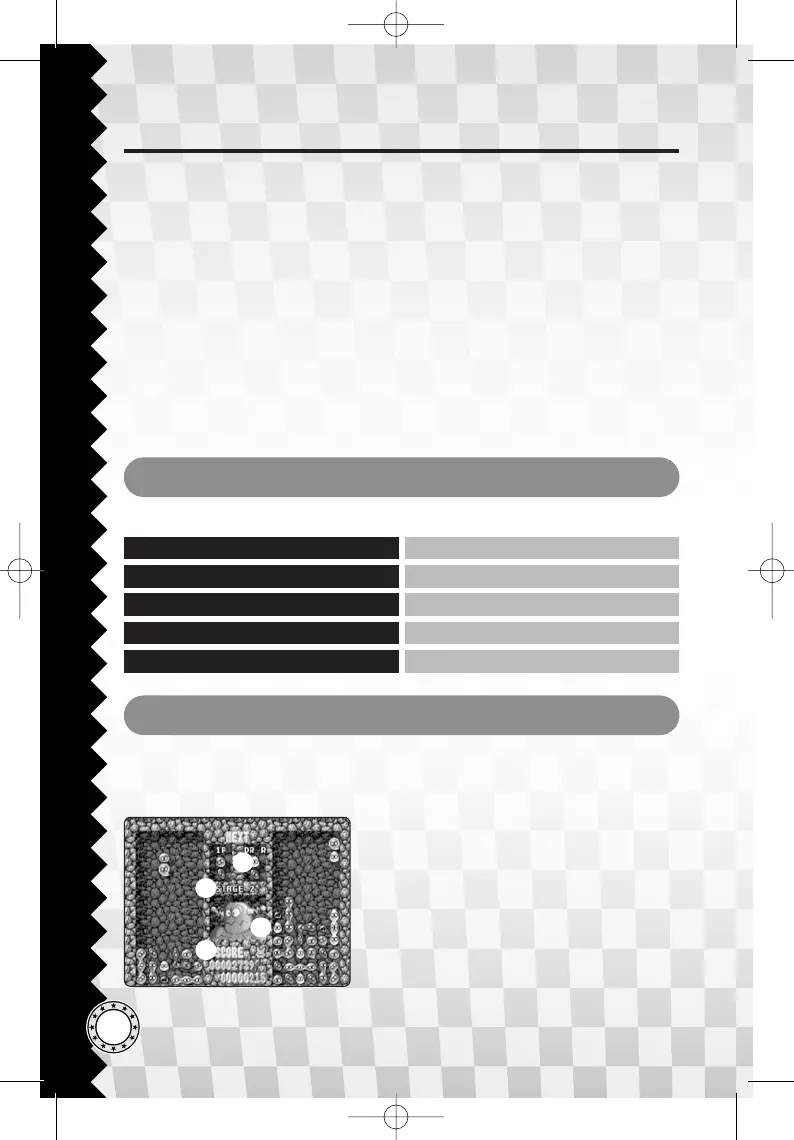
GAME SCREEN
♦ SCENARIO MODE
During Scenario Mode, Player 1 (1P) will play on the left dungeon and Player 2
(2P) on the right dungeon, as the CPU will take the opposite playing field.
1 Next Pair of Beans
2 Current Stage
3 Opponent (Henchbot)
Check your progress from the robot’s
expression.
4 Scores
Top: yours Bottom: opponent’s
1
2
3
4







 To Next Page