6 [en] Quick Installation Guide
LED Display
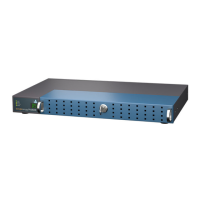
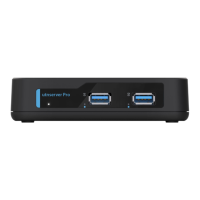
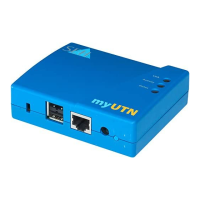
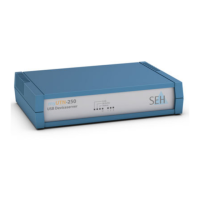
The LEDs of the UTN server provide information about its status.
Type Plate
The type plate gives important product information, such as hardware and
certification information as well as the serial number. The serial number
contains the production date: nnn YYYY MM nnnnn.
This information helps you e.g. during maintenance and is needed for support
requests as well as for the ’dongleserver Pro Serviceplus Package’
3.
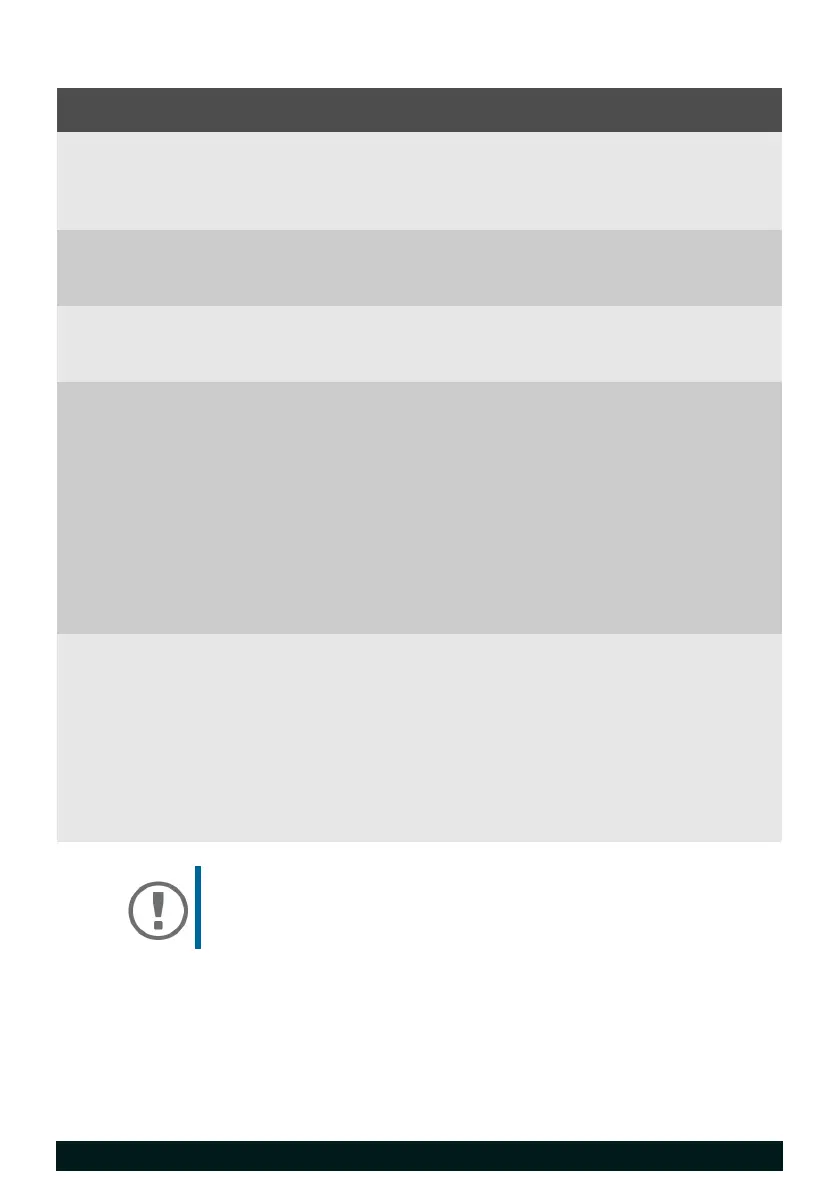
LED Action Color Description
Power permanently off
permanently on
–
green
The UTN server is not powered.
The UTN server is powered.
(Normal operation or standby mode)
Link permanently off
permanently on
–
green
There is no connection to the network.
There is a connection to the network.
Activity blinks at
irregular
intervals
yellow Indicates the exchange of UTN
packets.
Status permanently off
blinks 3 times
blinks 2 times
–
green
green
If the activity LED blinks periodically at
the same time, the BIOS mode is
signalized.
Indicates the assignment of a Zeroconf
IP address.
Indicates the assignment of an IP
address that does not correspond to
0.0.0.0 or that comes from outside the
Zeroconf range.
USB port
1–8
permanently off
permanently on
permanently on
–
green
orange
No USB dongle is connected to the
respective port.
A USB dongle is connected to the
respective port.
The connection to the respective port
and the attached USB dongle is
activated.
Important:
When the device starts up, the behavior of the LEDs
differs from this description.


 To Next Page