ISD300 User Manual
ISD300 User Manual
Using the ISD300 Homepage
11
How to log on to the ISD300 Homepage?
Access to the ISD300 is defined for three user groups: ’Any’, ’User’,
and ’Admin’. For further information see: Login Accounts on page
50.
The instructions describe the login as administrator.
1. Start the ISD300 Homepage
2. Click Admin.
3. Enter the user name and the password:
user name: 'admin' (default setting)
password: 'admin' (default setting)
4. Click OK to confirm.
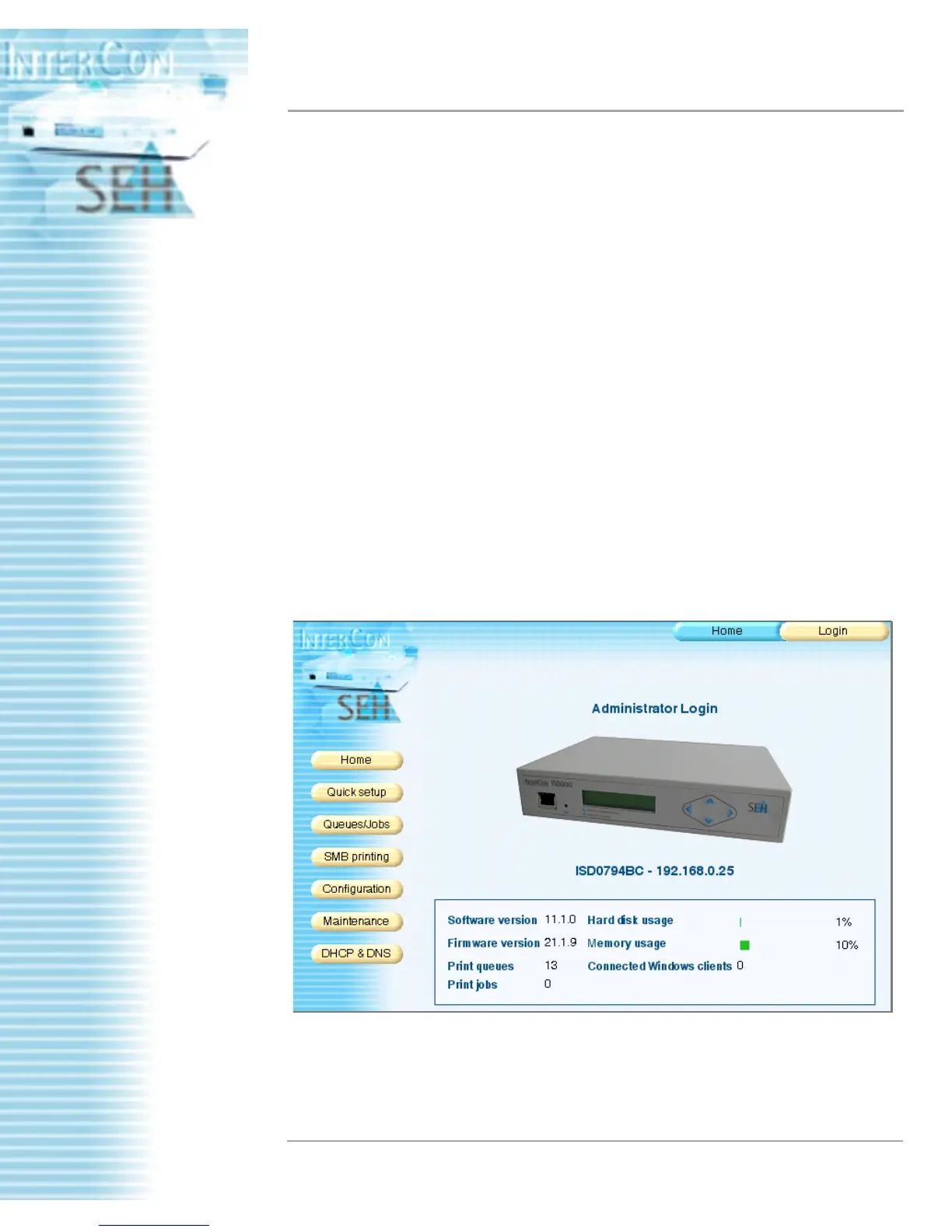
The user interface for the administrator is displayed.
Structure of the ISD300 Homepage
The main menu is displayed on the left side of the dialog. After a
menu point was selected the submenu will appear at the top of the
dialog.
Figure: Administrator Login



 To Next Page