11 [en] Quick Installation Guide
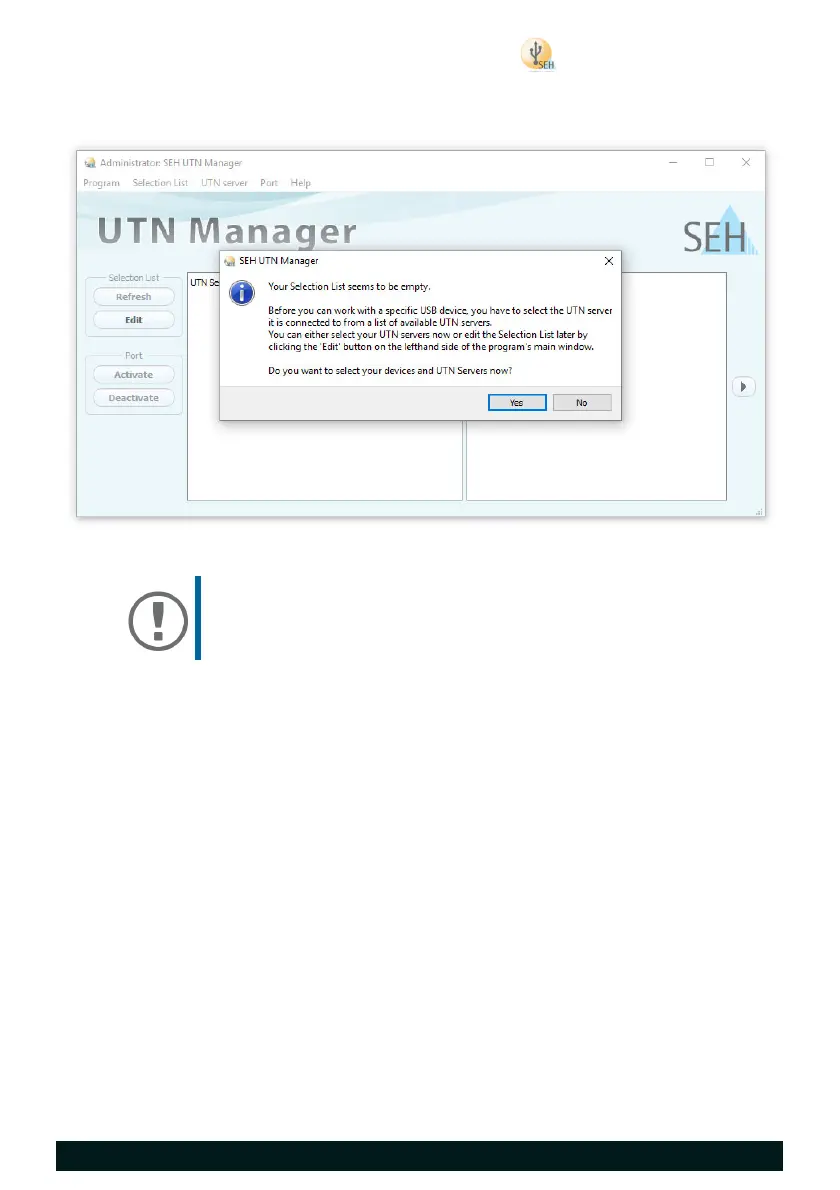
Starting the SEH UTN Manager
You recognize the SEH UTN Manager by its icon: . The program is started
with the usual methods of your operating system.
Important:
During the initial configuration, client and UTN server
must be assigned to the same local network segment.


 To Next Page