English
18
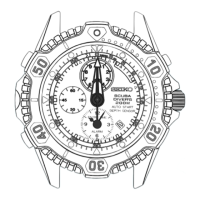
ROTATING BEZEL
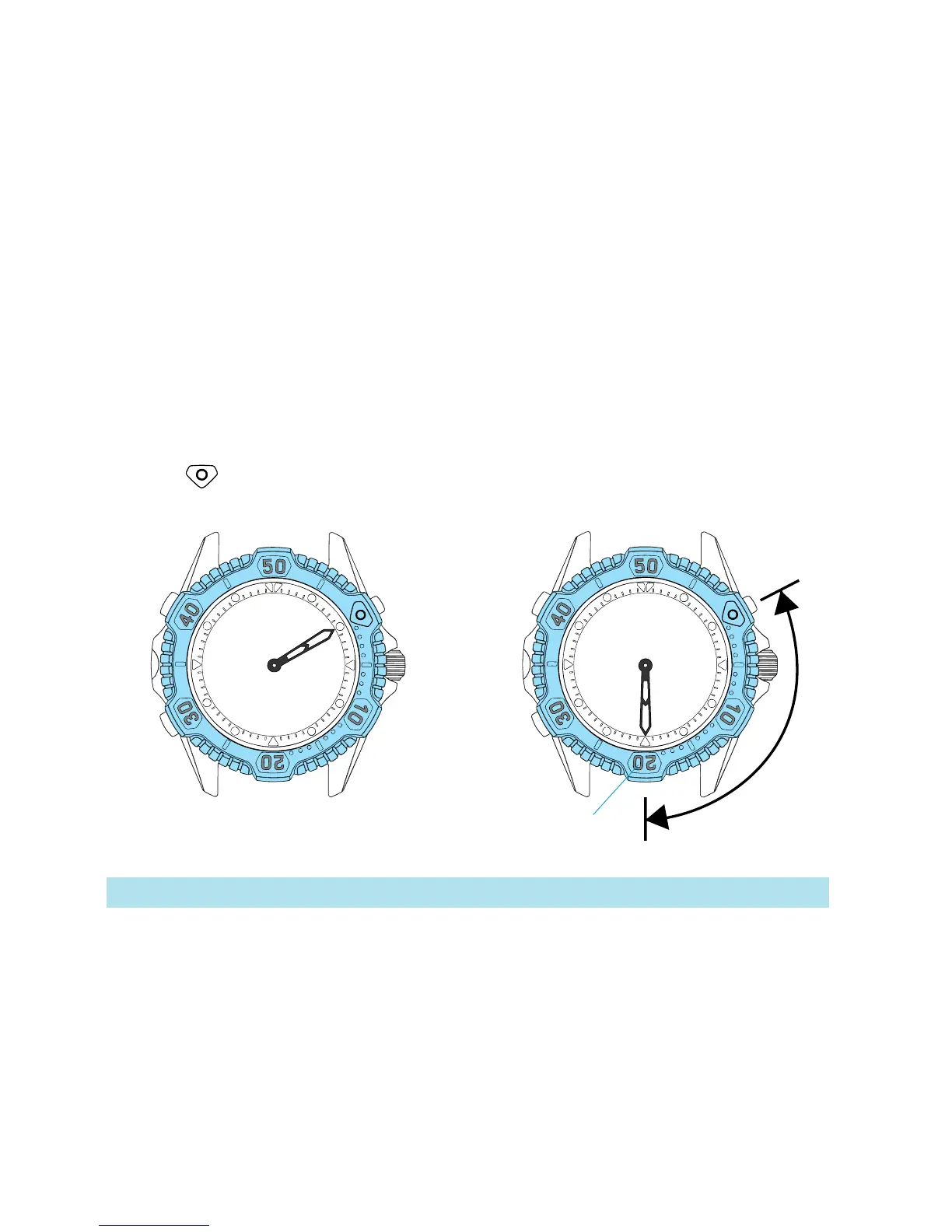
● The rotating bezel can show up to 60 minutes of elapsed time.
It is useful for measuring the surface interval.
2 Read the number on the rotating
bezel that the minute hand points
to.
1 Turn the rotating bezel to align
its “ ” mark with the minute
hand.
Elapsed time
Start
20 minutes
have elapsed.
* The rotating bezel turns only counterclockwise for safety’s sake.


 To Next Page