9
English
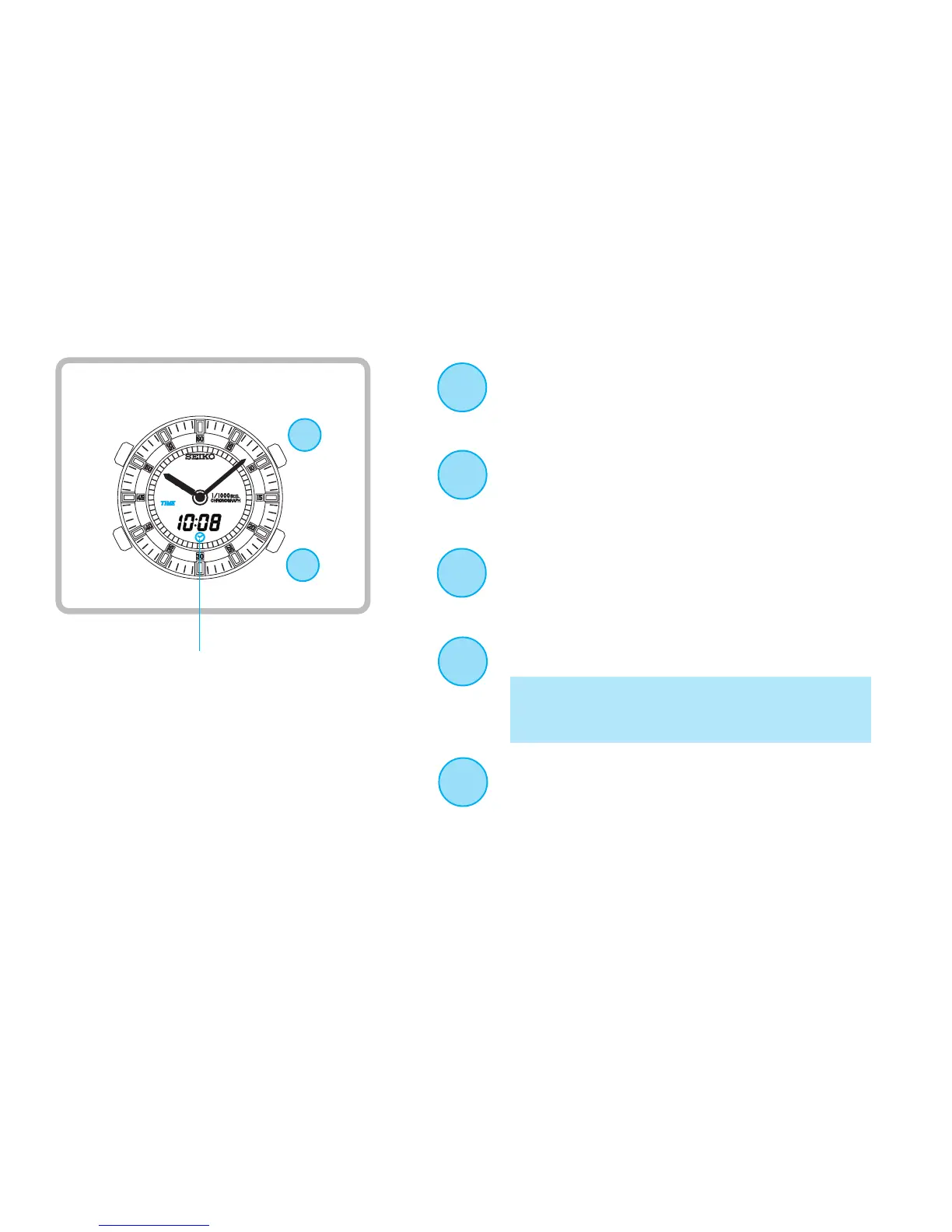
Analogue time setting
C
D
D
Press repeatedly to set Hour and
Minute hands to match the digital
time.
(See *3 on page 22)
Press for the display selection.
Press to return to TIME/CALENDAR
mode.
(See *4 on page 22)
C
C
D
Press to select the desired display.
B
▲
▲
▲
▲
* [FULL(Time & Calendar) Display] or
[D&D(Day & Date) Display] can be
alternatively selected.
Press to show analogue time setting
display.
Analogue time setting display


 To Next Page