36
37
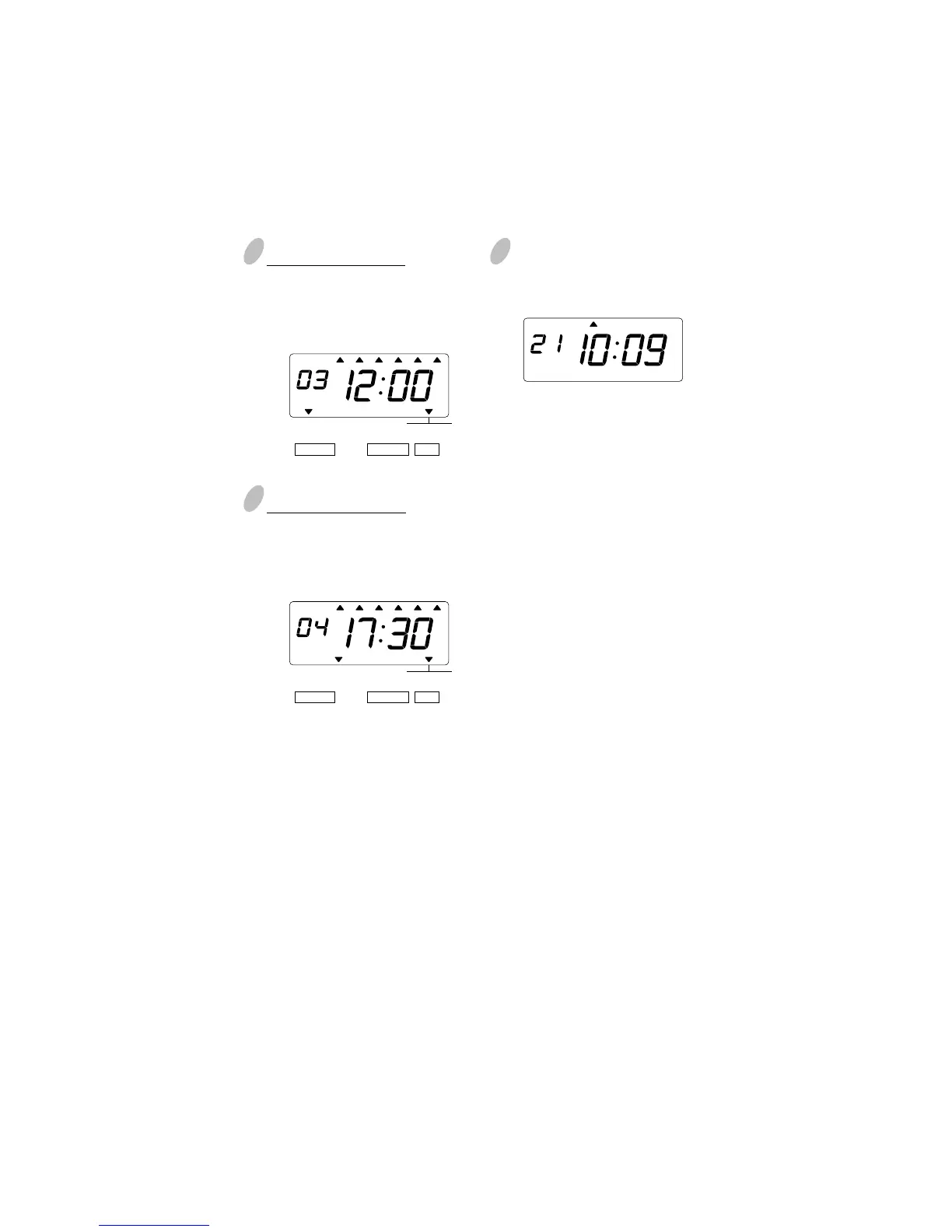
Setting program No. 3
Make settings for Program No.3 in the
same manner as for Program No.1, as
illustrated in the following figure, and
press the [SET] button.
6
After you finish setting the time table
program, press the [SET] button once
again.
5
Setting program No. 4
Make settings for Program No.4 in the
same manner as for Program No.1, as
illustrated in the following figure, and
press the [SET] button.
4
MO TU WE TH FR SASU
Now the time table program setting
has been completed. Replace the cover
and lock.
Important: If you do not complete
Step 6, the Time Stamp will not print.
MO TU WE TH FR SASU
BUZZ EXT.
SIGNAL
*OFF *ON
SELECT CHANGE SET
TIME TABLE
PROGRAM
MO TU WE TH FR SASU
BUZZ EXT.
SIGNAL
*OFF *ON
SELECT CHANGE SET
TIME TABLE
PROGRAM


 To Next Page