TCD02B0001SE 034070 130220
12
7.
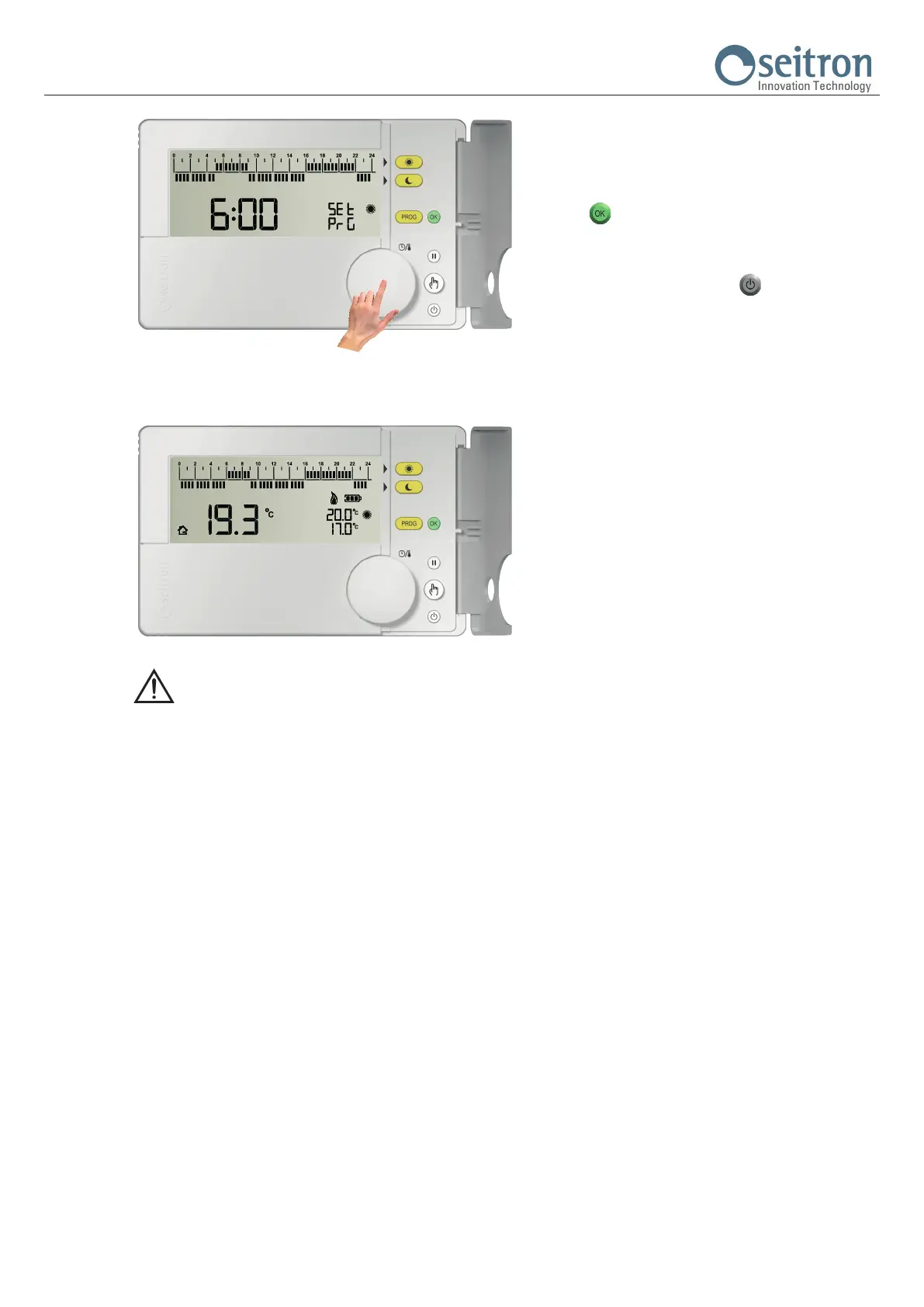
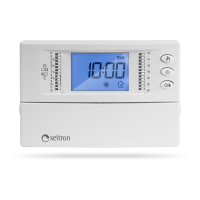
In order to store the set time schedule and exit from
the mode “Time Schedule” push the knob or the button
“ “ or wait 10 seconds without pushing any button.
In order to cancel the modications, restoring the
last time program set, and exit from the mode “Hourly
Schedule” push the button “
“.
8.
WARNING
- If it is needed to restore the default time schedule, it is necessary to access the user parameter PAR 9.0 “dFLt” (set default data);
in this case all the user parameters will be restored to factory values.
- The access to the time program setting IS NOT allowed on the following operational conditions:
Off, Pause, Holiday, Manual 24h, Manual permanent.


 To Next Page