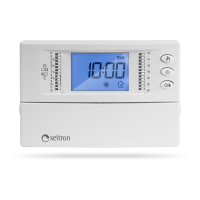
TCD02B0001SE 034070 130220
11
3.
Turning the knob moves the time cursor, WITHOUT
modifying the previously set time schedule.
The corresponding segment will blink at the selected half
hour.
4. When the time from which it is desired to modify the time schedule has been selected (in this case hour 5:00) proceed as follows:
Push “ “ to set the comfort mode (on the time
histogram, a segment is shown on the upper strip).
WARNING
- In order to set the economy mode push “ “.
- At every push of the button “ “ or “ “
the time cursor automatically shifts on the next half
hour.
5.
Push again “
“ to set the comfort mode (on the
time histogram, a segment is shown on the upper strip).
6.
Continue with the setting as shown in this example
(points 3 and 4), until the entire daily time slot is done.
On the opposite case, go to the next step.


 To Next Page