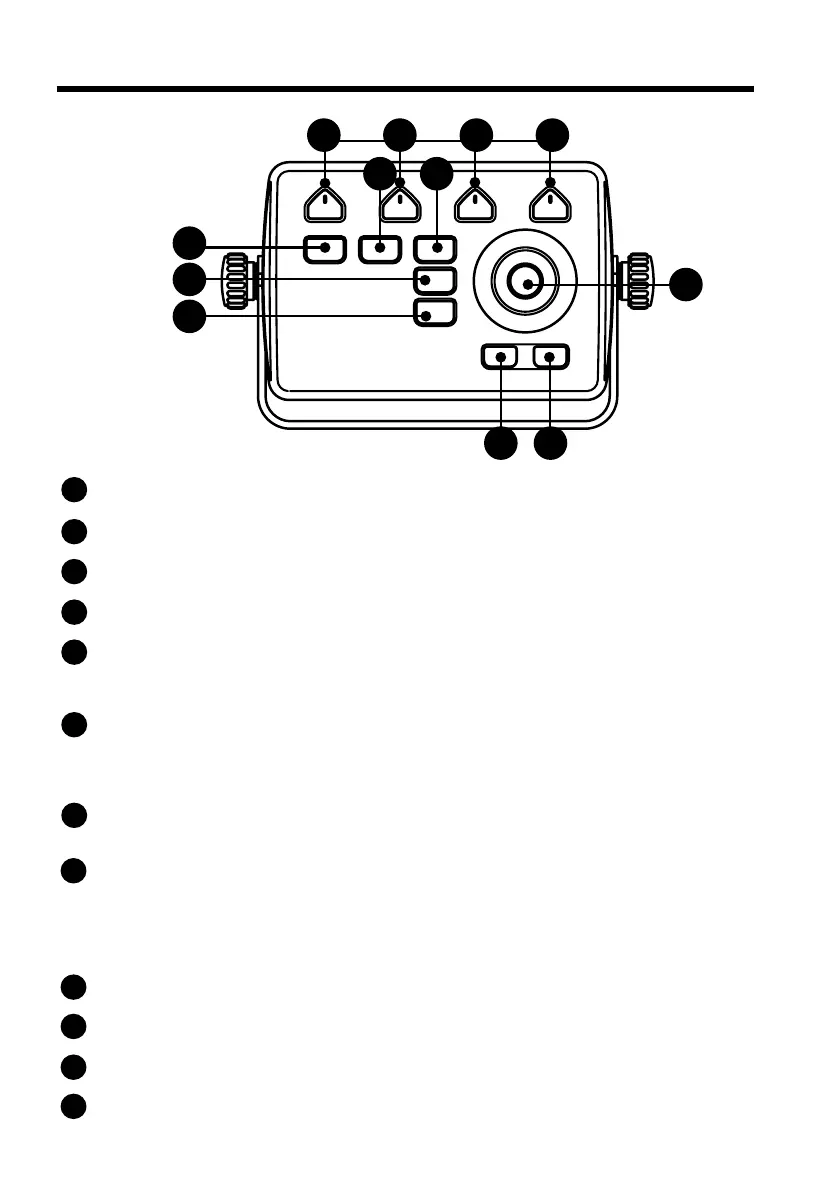
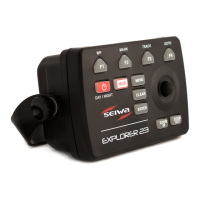
5. Keyboard
9 10 11 12
67
1
23
4
5
8
The joystick can move the cursor around the map or through menu items. Press [UP], [DOWN],
[LEFT] or [RIGHT].
[ZOOM OUT]
Change the scale of the map zooming out.
[ZOOM IN]
Change the scale of the map zooming in.
[ENTER]
Push it to conrm your choice. When on map page, it opens the contextual menu of a map object.
[CLEAR]
Short press: exits from the current menu (back).
Long press: allows to come on the main page or, if you are on map page and the cursor is away from
the boat position, centers the map on the boat position (home mode).
[MENU] – [PAGE]
Short press: Menu – opens the main menu if pressed on one of the main pages (Map, Fish Finder,
GPS status, Engine monitor). It selects the top bar control buttons if pressed on full menu pages such
as Marks, Routes, Tracks and others.
Long press: Page – shows the main pages, it is the quicker way to switch between pages.
[MOB]
Is a special key dedicated to man-over-board situation. Pressing MOB places a MOB mark on the
current boat position and starts navigation to that place.
[POWER] – [DAY / NIGHT]
Short press: allows switching Day/Night modes.
Long press: turns the device on/o when pressed and held in.
[F1 – F4] are special keys. Each key can perform two functions: a short press performs the xed
function labeled on the unit face. A long press (hold) executes the second function which can be
customized. Read the software manual to learn how to customize the function keys.
[F1] – [WP]
Short press: WP – insert a new waypoint on the cursor position.
[F2] – [MARK]
Short press: Mark – allows to add a new mark.
[F3] – [TRACK]
Short press: Track – start and stop the track.
[F4] – [GOTO]
Short press: Go To – to navigate to a destination (desired position on map).
1
8
9
10
2
3
4
5
6
7
11
12


 To Next Page