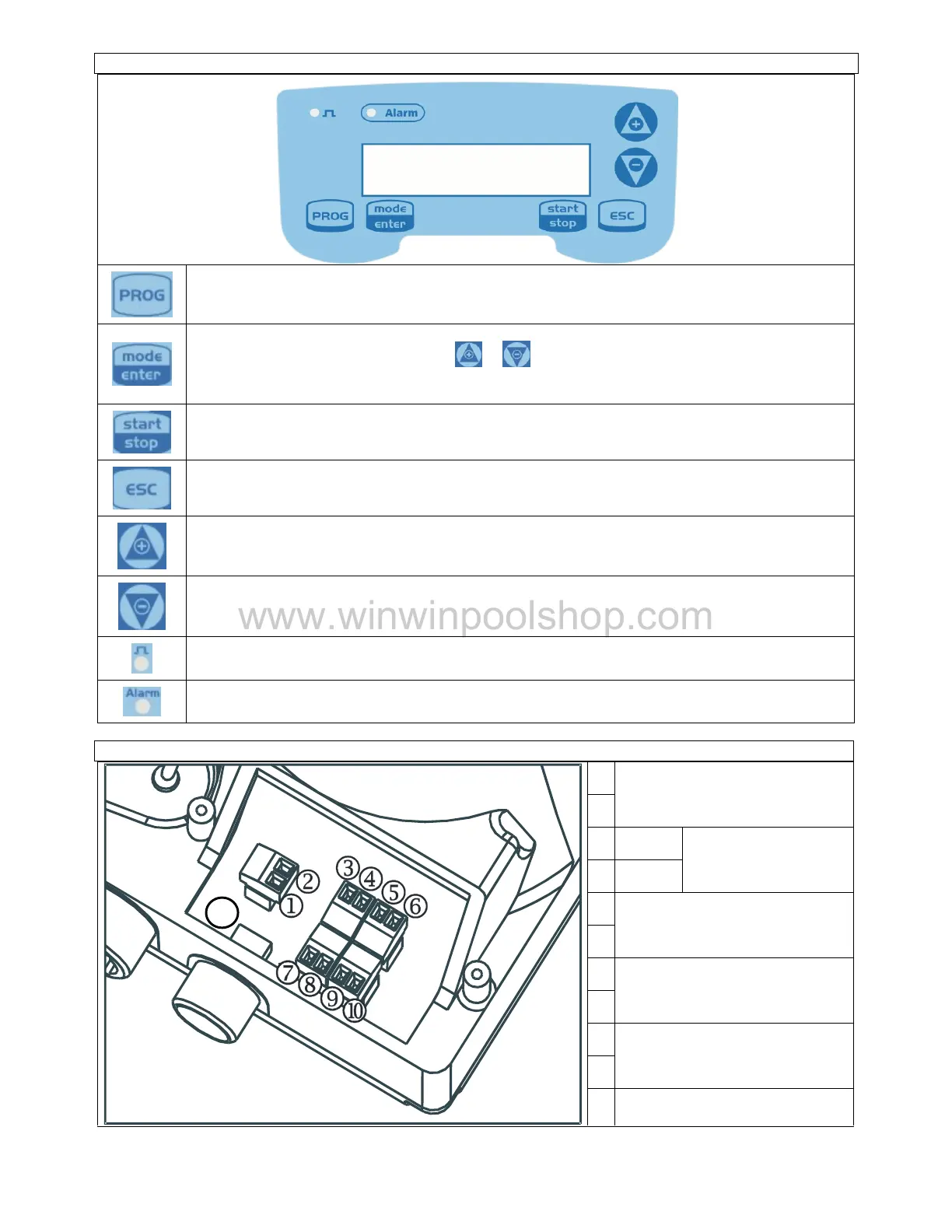
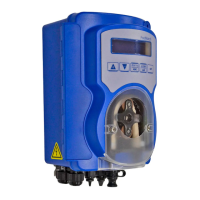
Access to the programming menu
When pressed during the pump operation phase, it cyclically displays the programmed values on the
display; When pressed at the same time
keys, it increases or decreases a value
pendent on the selected operating mode. During programming it carries out an “enter” function,
meaning that it confirms entry to the various menu levels and modifications within the same.
Starts and stops the pump. In the event of a level alarm (alarm
function only), flow alarm and active
memory alarm, it deactivates the signal on the display.
Used to “exit” the various menu levels. Before definitively exiting the programming phase, you will be
asked if you wish to save any changes
n upwards through the menu or increase the numerical values to be changed. Can be used
to start dosage in Batch mode
Used to run downwards through the menu, or decrease the numerical values to be changed.
Flashing green LED during dosage
LED that lights up in various alarm situations
Remote control input (start
Frequency signal input (water
www.winwinpoolshop.com


 To Next Page