-40-
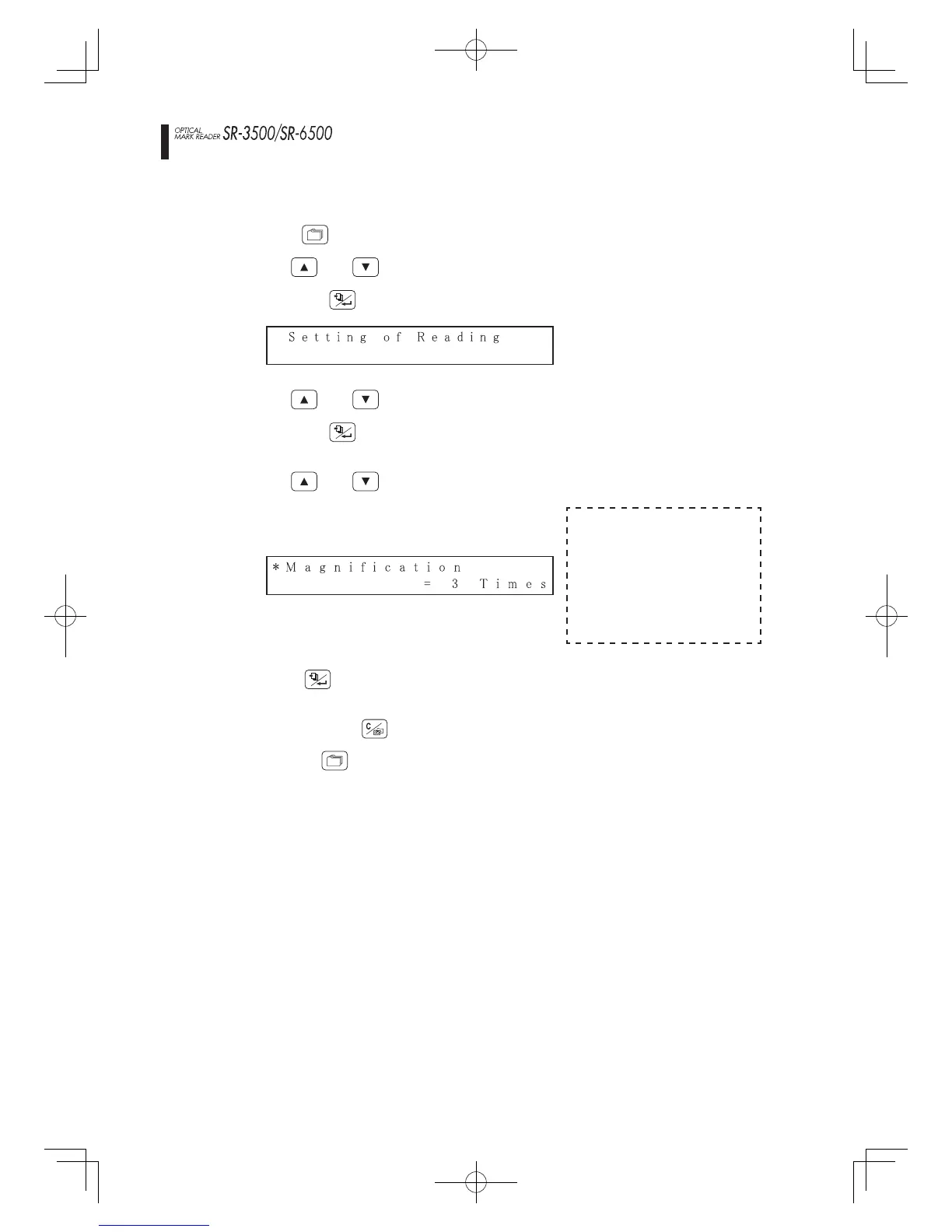
Setting magnifi cation when timing control types are selected
1.
Press the
MENU
switch to enter the menu mode.
2.
Use the
switches to select the following parameters,
and press the
switches to select [Magnifi cation] setting,
and press the
switch.
(“
” mark fl ashes in the fi rst column of the fi rst line on the LCD.)
4.
Use the
switches to set the value.
Magnifi cation setting values
• Top-end timing
control type
1 - 9 (times)
• Bottom-end timing
control type
2 - 9 (times)
5.
Press the
switch to save the setting value into memory.
(The fl ashing “
” mark disappears from the LCD.)
6.
Keep pressing the
switch until it returns to normal mode,
or press the
MENU
switch to return to normal mode.
Data reading settings
Setting reading method
SR-3565(E).indd40SR-3565(E).indd40 2007-8-1610:19:302007-8-1610:19:30



 To Next Page