MENUS CONTROL
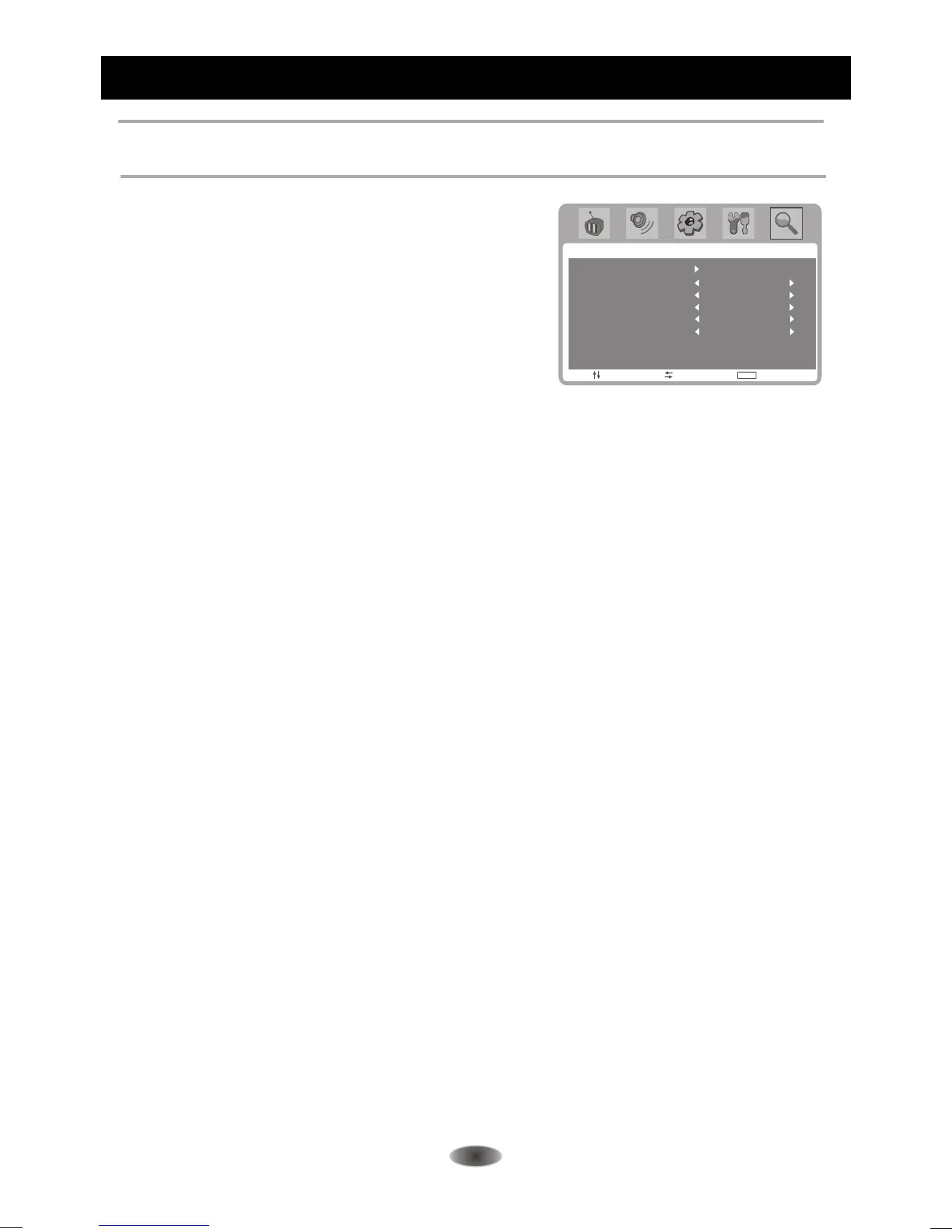
Channel Settings
Note:These settings are only available in TV mode.
CHANNEL
MOVE SELECT EXIT
MENU
ON
ERASE
CATV
STEREO
AUTO SEARCH
AFT
FINE TUNING
ADD/ERASE
SOURCE
MTS
Auto Search
Searches and saves channels automatically.
Notes:
1. If you press the MENU button to stop auto scan
process, the first saved channel will be shown.
2.The TV is mute when starting auto scan.
3.You need set the correct sound system according
your local signal to get good performance before
or after auto scan.
Fine tuning
Tune RF frequency finely. Note can be selected when AFT is set as OFF. Press
t or u button fine
tuning until the best reception is obtained.
AFT
Select ON to enable the frequenly auto tuning to
obtain the best reception.
-14-
ADD/ERASE
Set the current channel to skip or not.
Note: If the channel is set to be "ERASE", you can not select this channel by pressing Channel
UP/DOWN buttons on the remote control, you can select it exactly by entering the channel No by the
number buttons on the remote control.
SOURCE
Select the SOURCE of signals: AIR or CATV.
MTS
Adjusts the MTS of signals: MONO or STEREO.



 To Next Page