SVENSKA ENGLISH GERMAN FRENCH DUTCH
15
Do not turn o the power or disconnect the cable before update procedure
is completed.
How to update satellite information can be changed by reecting the
newest satellite information.
Please make sure to get how to update the product through our web site
(www.selfsat.com)
NOTE
You can also proceed the update manually, by changing the values
arbitrarily on the screen.
If you put incorrect data, ERROR message will be shown.
-
-
Please read the ERROR message and correct the information as the
instruction.
If you had put correct information and if [Data Format ERROR] is keep
shown, please put dierent data or contact service@selfsat.com.
NOTE
In case the controller power was
turned o or cable was discon-
nected or any of such things
happened to stop the process
while updating, please proceed the
update process from the rst again.
NOTE
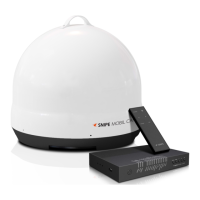
Lastly, operate the SNIPE DOME and see if it searches the updated satellite properly.
If SNIPE DOME still cannot search the satellite even after the update was completed, please try
updating again, or contact service@selfsat.com.
vi.
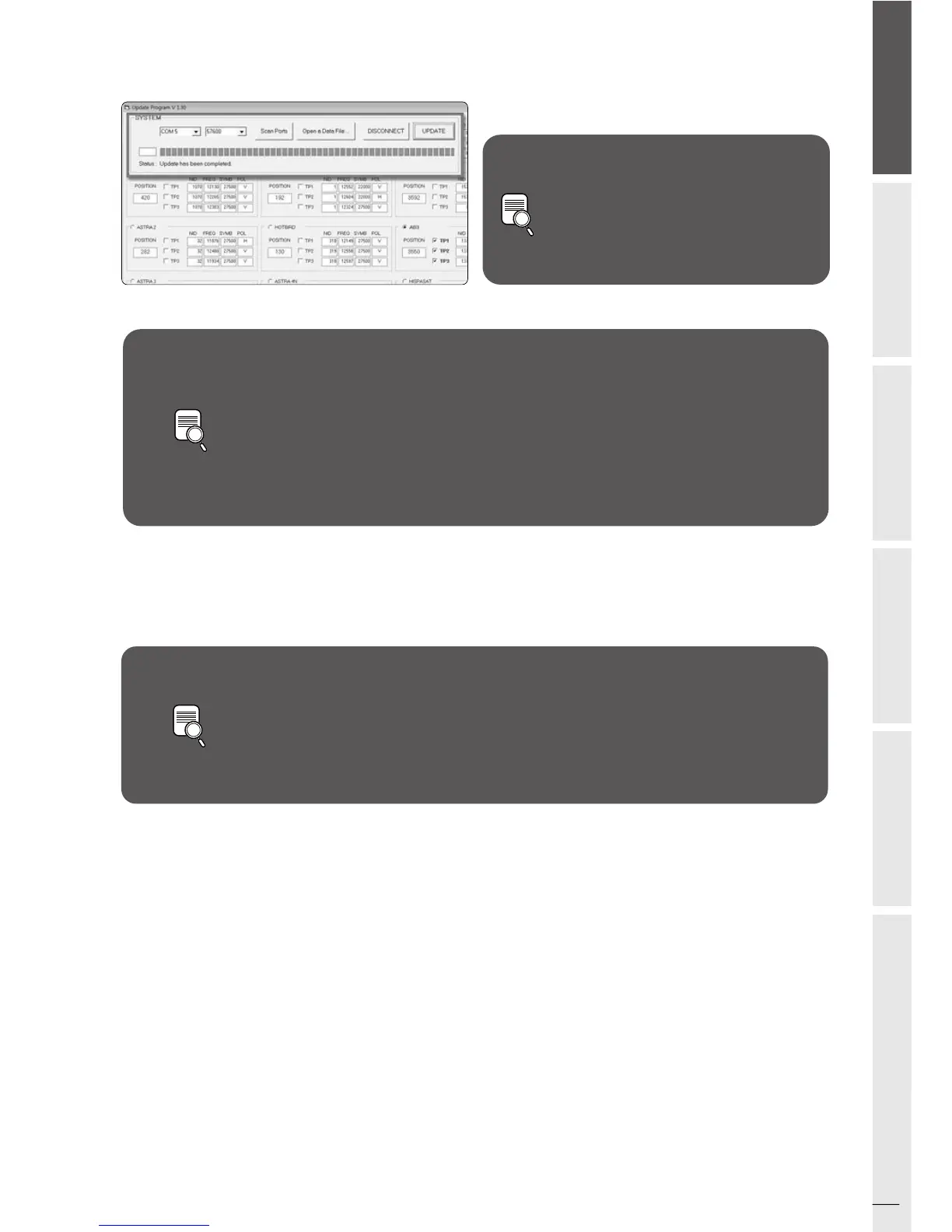
Check [Update has been completed].07.
If you would like to update other satellites too, please check the satellite you want and do the same.08.



 To Next Page