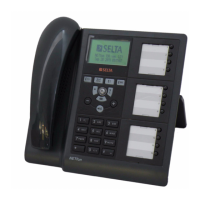
An overview of NETfon 130
NETfon 130 - User Guide 723142012-A0-LM
40
7.3. Quick access to local programming menu
FTP Server
= Impossible to reach FTP server.
DESCRIPTION
By pressing Menu/Enter + number of menu item(*) you directly access the
menu item corresponding to the number selected.
(*) Legend:
1 = LOCAL TEL. BOOK
2 = MAIN TEL. BOOK
3 = CALL REGISTER
4 = FUNCTION KEYS
5 = OPTIONS
6 = SERVICES
7 = PROFILES
8 = NETWORK SETTINGS
9 = USER SETTINGS
Down arrow: quick access to local telephone book.
Up arrow: quick access to main telephone book.


 To Next Page