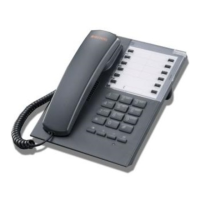
SAEfon CL - Operating instruction 57
English
- press the “Caller ID” key, the LED associated to the key
lights red steady
- to know the identifier of the call associated to the
supervision or internal call or trunk line call key, press
the same key: the display shows the information desired
and the LED associated to the “Caller ID” key turns off
- after 5 seconds the display shows the previous
information
- to show other identifiers repeat the request
If the user wants to know the identifier of the call in queue on busy
(the display shows “call on hold”):
- press the “Caller ID” key twice: the information of the user
in queue (the first if more than one) is showed on the
display and the LED associated to the “Caller ID” turns off
- after 5 seconds the display shows the previous
information



 To Next Page