SAE
fon
- operating instructions 47
OUTGOING CALLS
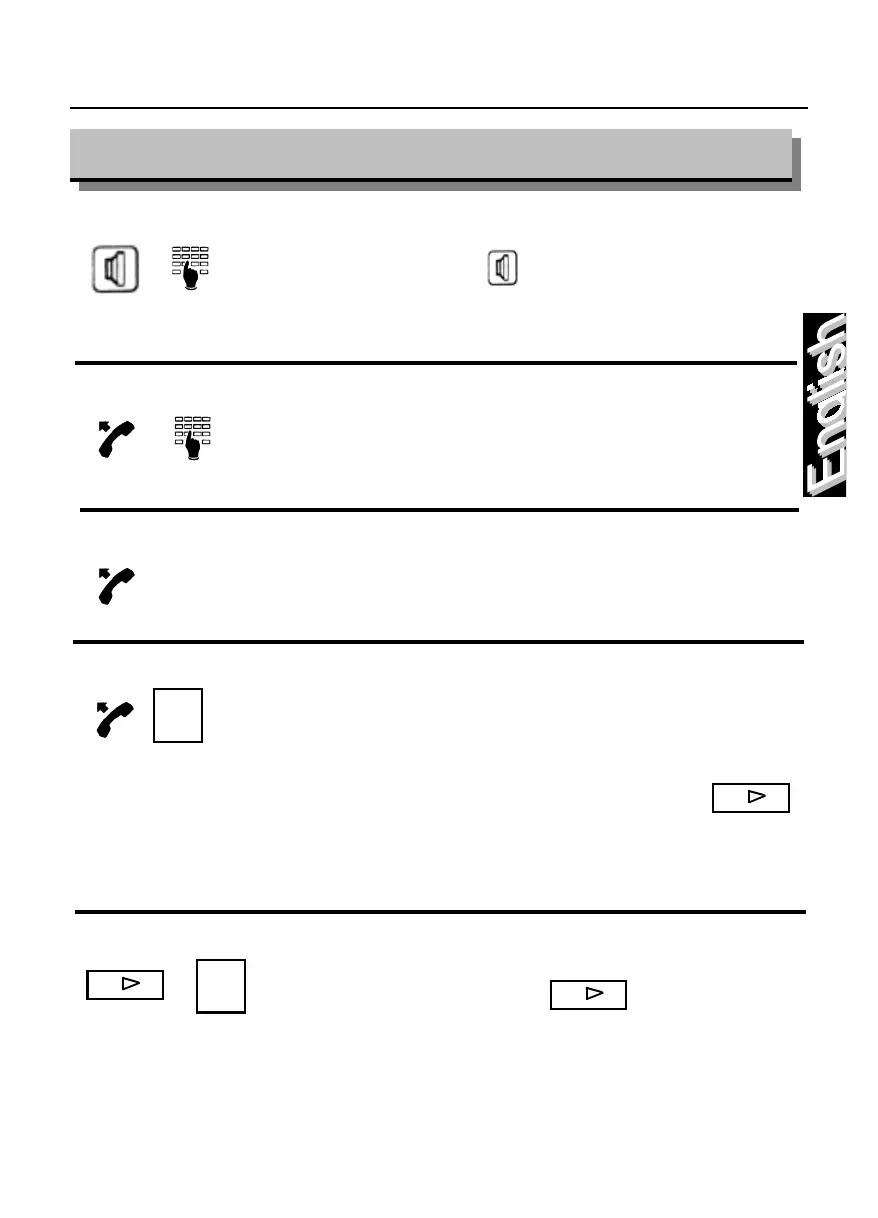
How to execute a call with handset “on-hook”
Press the key and dial the desired
number; upon answer lift the handset.
How to execute an internal call
Lift the handset and dial the desired number.
How to execute a direct internal call
Lift the handset and press the function key
corresponding to a direct internal call.
How to execute a direct internal call from K module
Lift the handset and press the key associated
with the internal line.
The module K keyboard is composed of 2
pages each with 24 keys. The shift key
can be used to move from one page to
the next within the K module and this is
indicated by a led being “on” (page 1) or
How to execute a trunk call from K module using your phone book
Press the “shift” key and a function
key, simultaneously on the K module’s
keyboard.
The abbreviated number programmed at the
function key position will be dialled.
Lex. xx
Lex. xx



 To Next Page