48 SAE
fon
- operating instructions
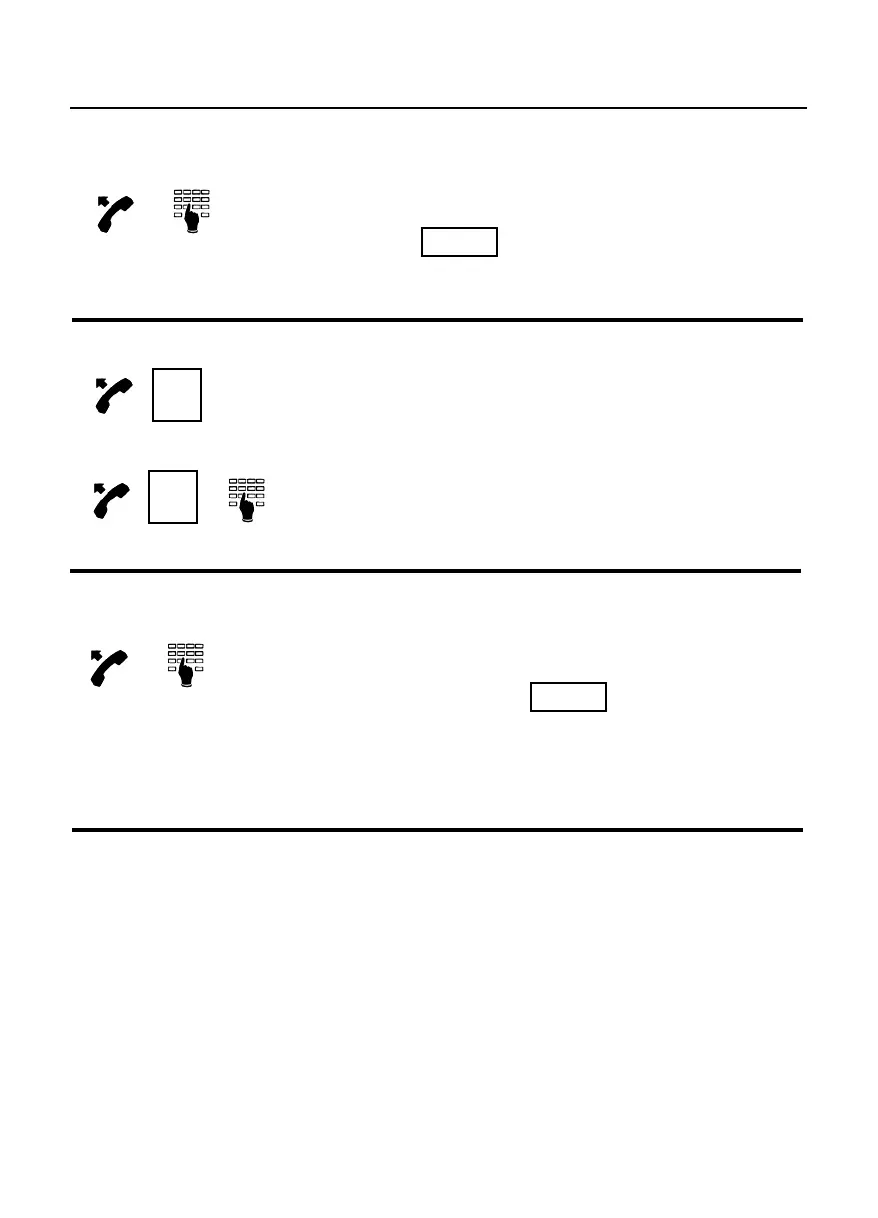
How to execute a trunk line call
Lift the handset and dial the “trunk line access
code” and, upon hearing the trunk
dialling tone, dial the desired number.
How to execute a trunk line call using your phone book
Lift the handset and press the key
programmed with the trunk number or, if the
number is not programmed, press the function
key programmed for the “phone book” facility,
followed by the progressive number of the
desired trunk number within the phone book.
How to execute a trunk line call using an abbreviated number programmed
within the system
Lift the handset and dial the “speed dialling
table access code” ; once the tone is
heard, dial the two digit code (00-99) that
identifies the position of the abbreviated
number within the table.
How to execute a trunk line call using a P.C. phone book
To execute trunk line call with the P.C. phone directory, configure the modem to
be used as follows:
- select the “Control Panel”;
- select the “Modem” icon, select “Add”, “don’t detect my modem...” and set the
Modem to a “Standard Modem Types” by choosing “Standard 9600 bps
Modem” item;
- choose the RS232 port (COM1 or COM2);
- wait for the modem software to be installed and then set a default configuration
Lex. xx
Phonebook



 To Next Page