SAE
fon
- operating instructions 49
of:
9600 baud - 8 bit - no parity - 2 bit stop
then confirming.
Now you can start your desired P.C. phone directory.
Using the Microsoft “Schedule Plus Win 95” you can either:
- select the user, from the list, that you want to call by pressing the key assigned
to this number, your telephone is placed in “hands-free” mode automatically
and you can enter in conversation.
- use the P.C. again only to release the call.
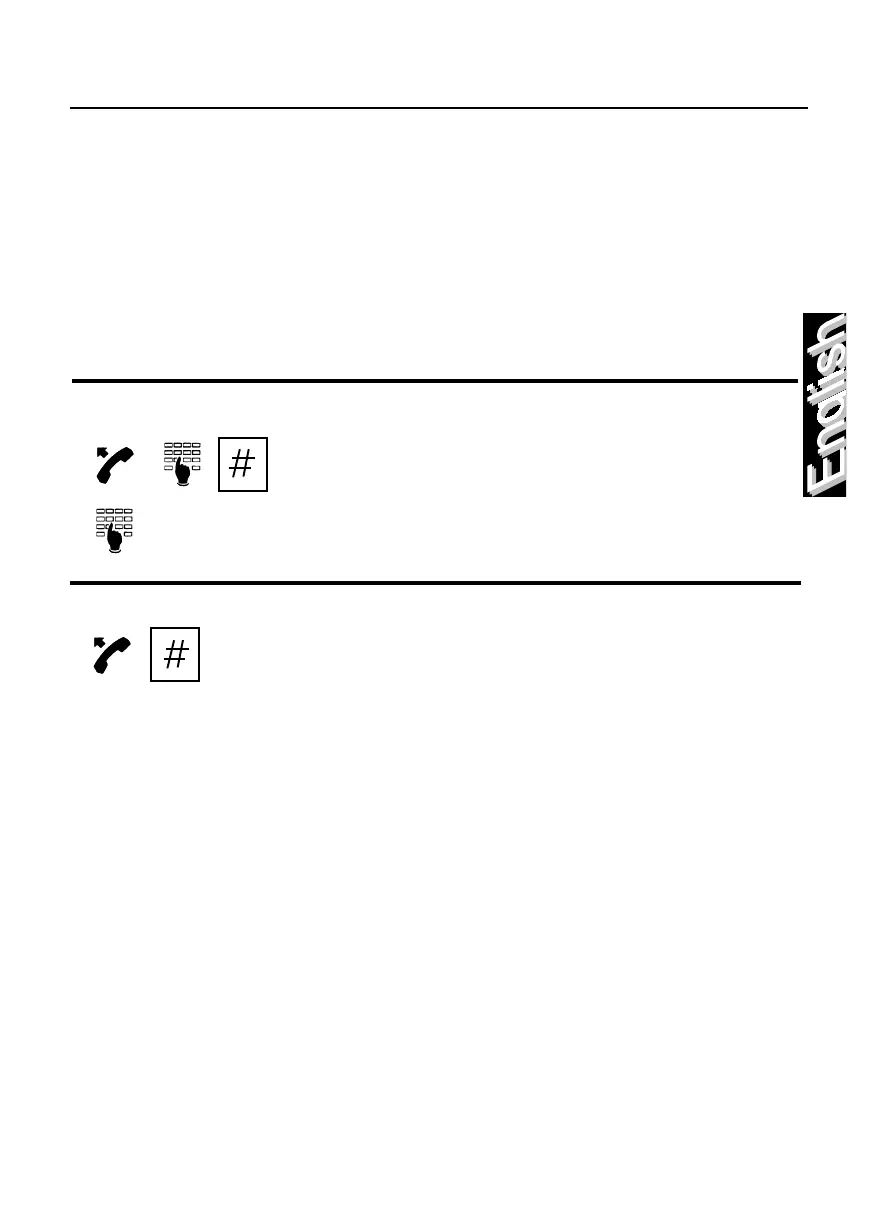
How to switch your telephone to multifrequency dialling
To use the special services that require
multifrequency dialling (i.e. use of Voice Mail):
upon completion of normal dialling press the
“hash” key, followed by the desired number to
be entered using multifrequency dialling.
How to repeat the last trunk number dialled
Lift the handset and press the “hash” key.



 To Next Page