50 SAE
fon
- operating instructions
Automatic changeover to hands free mode upon internal call arrival
To enable your telephone for the automatic
hands-free service for incoming internal calls,
press both “VOLUME -” and the “1” digit key
simultaneously.
The leds next to the “hands free” and
“microphone” key will start to flash.
To disable the service press the keys again.
-
simult.
1
INCOMING CALLS
How to answer an internal call
The telephone rings repeatedly with a long
ring pulse, followed by a short one, while the
display shows the name and the number of the
caller. If the call has been forwarded, the text
“CALL FORWARDED FROM” followed by the
number of the user forwarding the call is also
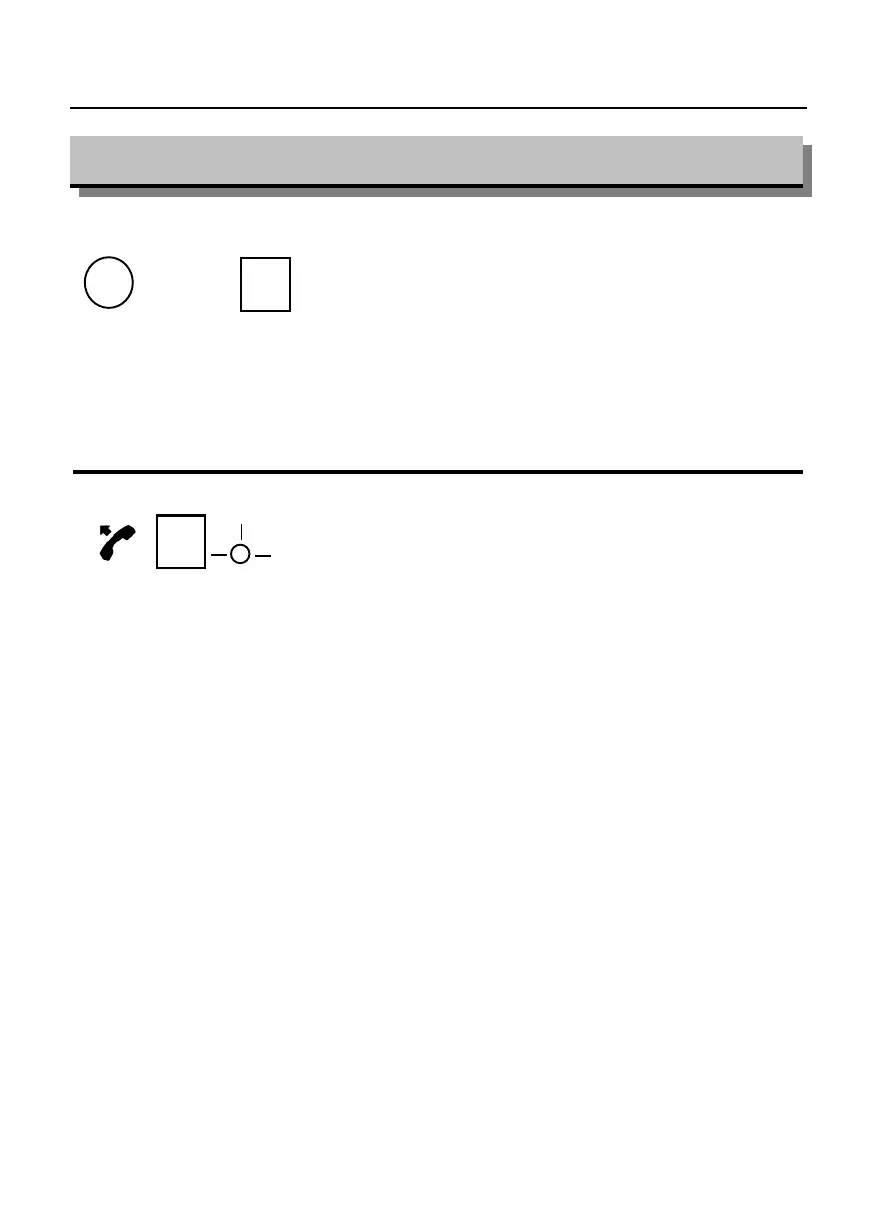
displayed. To answer the call, lift the handset
and it may be necessary to also press the
function key programmed as “internal call”
next to the flashing led (dependent upon SAE
exchange programming).
Lex. xx
or
Incall



 To Next Page