SAE
fon
- operating instructions 61
You wish to compile a message on the telephone display of the caller,
indicating the reason of your absence
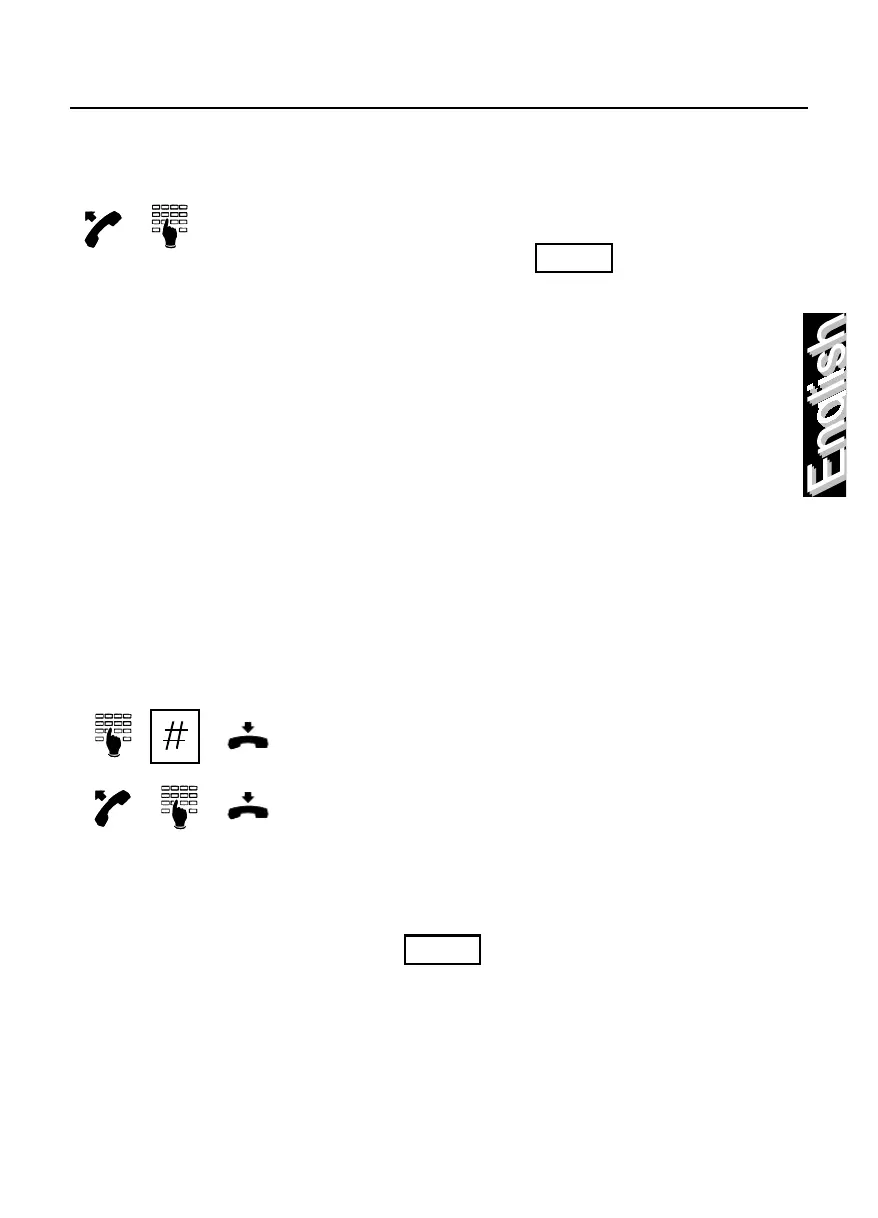
Lift the handset and dial the “set-up absent
user message” code , followed by the
message number defined in the following
table:
Message type Message number
Fixed field
Variable field
MEETING
CALLH
CALLD
RETURN
CALL
HOME
MISSION
BUSINESS
ILL
XXXXX
HHMM
DDMM
DDMM
NNNNNNN
NNNNNNN
NNNNNNNNNNN
Call at hour
Call on date
Return
Call number
Call number
Away on business
0
1
2
3
4
5
6
7
8
9
select the required variable field and then
enter the hour or the day or the telephone
number to be called (to introduce a space
between the digits press the “asterisk” key)
and confirm data entered by pressing the
“pound” key.
Upon hearing the confirmation tone, hang-up.
To cancel the function it is necessary to dial
the “cancel absent user message”
code .



 To Next Page