SAE
fon
- operating instructions 65
PROGRAMMING TELEPHONE WITH DISPLAY
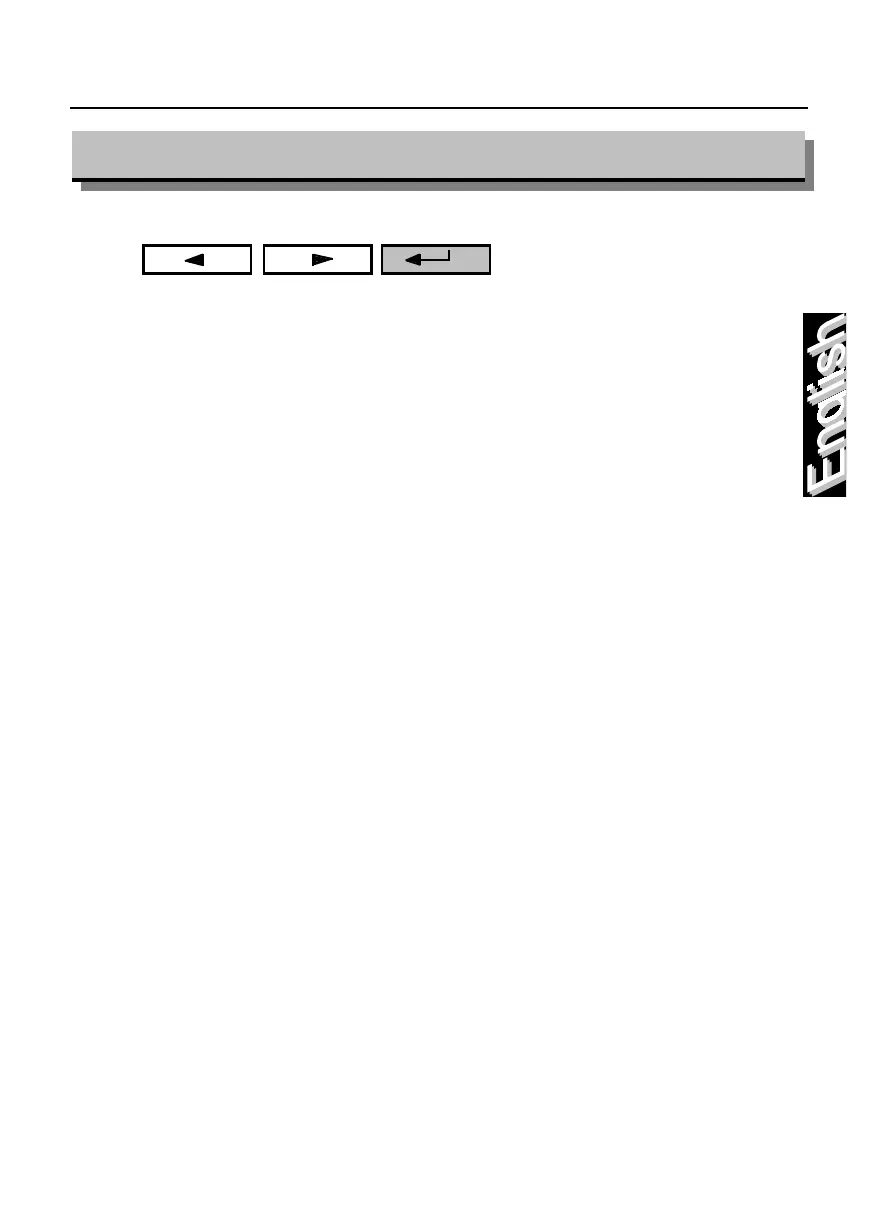
To access your telephone’s programming mode menu, press the following keys:
“
back
” “
forward
” “
enter
”
The display shows:
KEY FUNCTIONS SET UP
esc -> KEY <- dir
The capitals letters in the midlle, indicate the item selected from the menu when
the “enter” key is pressed.
It is possible to choose the following items from the menu:
KEY
key functions set up
DIR
phone directory set up
TEL
telephone set set up
UTIL
telephone set utilities
choose the desired item by pressing the “back”, “forward” keys and the confirm
the choice made with the “enter” key.
To exit press “esc” and “enter” or the function key “10”.
Note:
the “asterisk” next to the number, indicates that the key has perviously
been assigned a function.
If you don’t press any key within 10 seconds, there is an automatic exit
from the programming menu.
Remember to write the programmed functions next to each key on the
personalized phone card.
A little hourglass on the telephone’s display, indicate that is not possible
to switch off the telephone and that is possible to continue with the others
operation.
The following examines all of the possible choices in each of these four menu.



 To Next Page