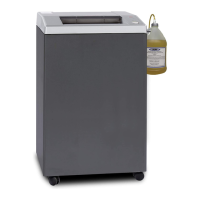
Model 0200 – POP-0120 Rev 0
508.366.1488 | www.semshred.com
Unpacking and Installation
Without Cabinet
1. Remove the unit and vacuum from the packaging. Retain unit packaging for 90 days.
2. Set up the vacuum according to the included instructions and attach any of the 1-1/4” nozzle tools.
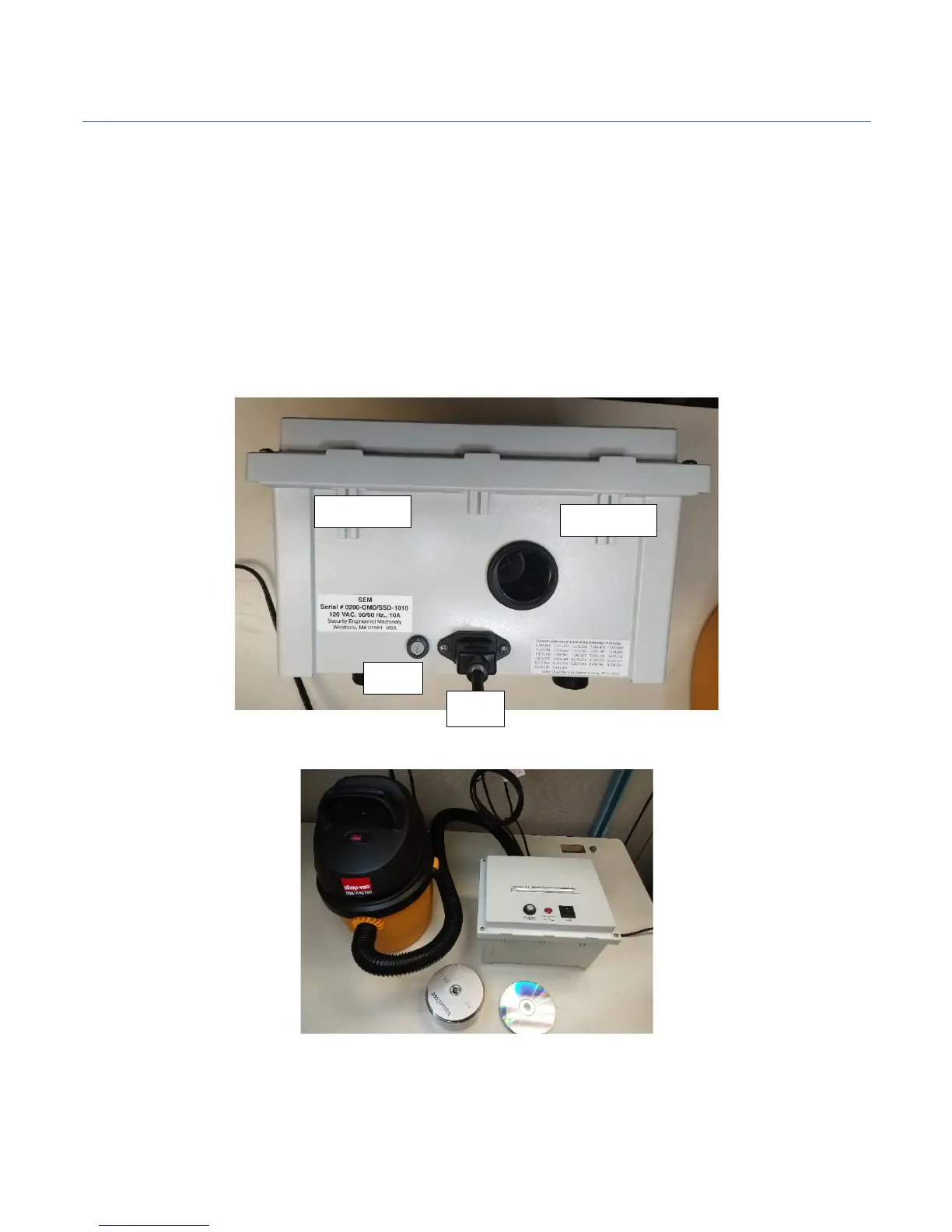
Insert the tool into the opening in the rear of the unit. See figure 1 below. May use any existing vacuum
provided you have a tool with a 1-1/4” round nozzle.
3. Check that the power switches are in the off position before plugging the unit and the vacuum into a
wall plug capable of delivering 10 amps to each cord. Ensure both plugs are grounded.
4. Place the 0200 in an open area to allow sufficient airflow in and out of the unit.
5. Unit is ready for use.
Figure 1 – Unit Rear
Figure 2 – Example Set up


 To Next Page