13
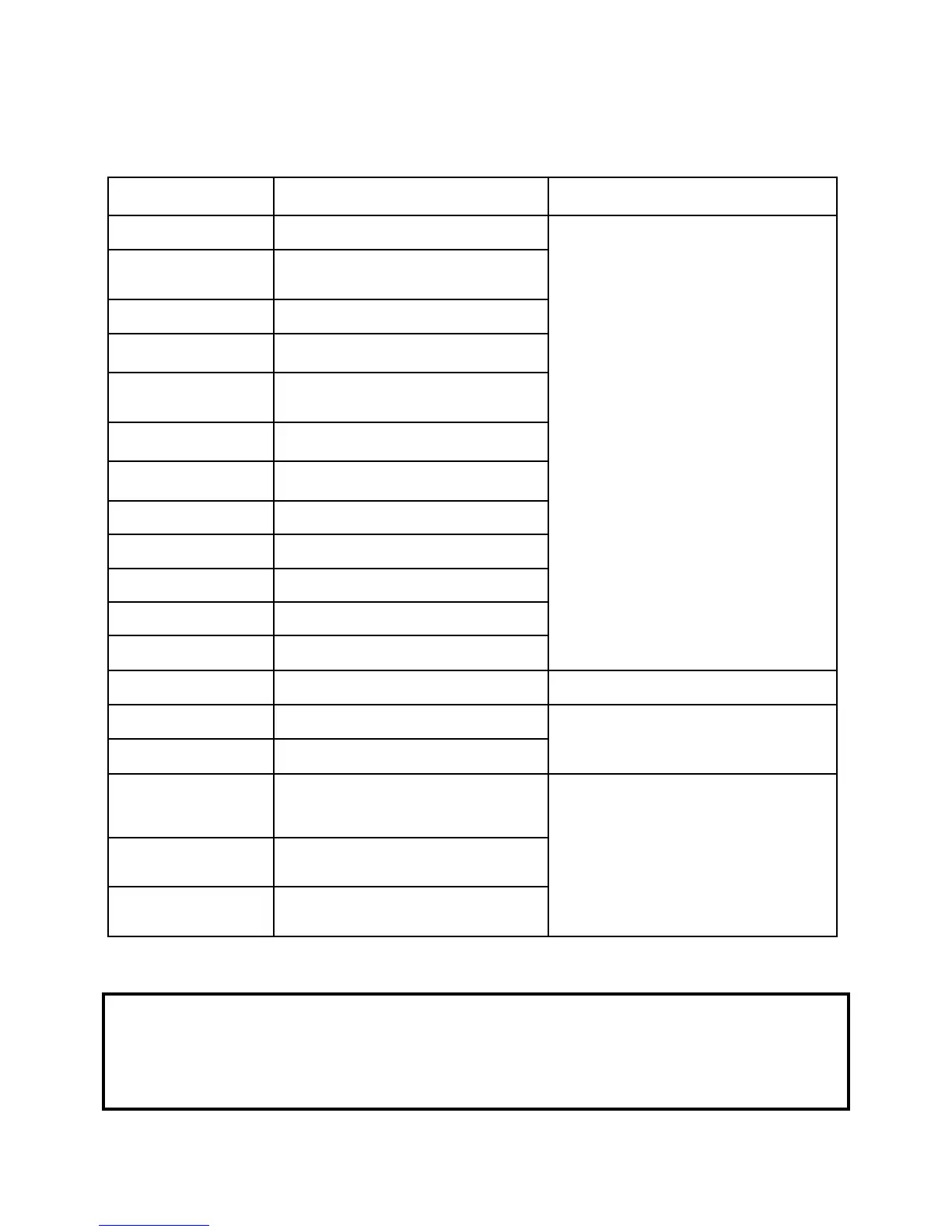
COUNTING ERROR CODES
Chain Note Detection Alert
Adjust Feed Tension Adjustment Knob
counterclockwise by one number (ie: 0
to -1). Run a stack of bills through the
counter. If machine still receives error
messages, repeat this step until you
reach -4.
If you reach -4 and your machine is still
receiving error messages, reverse the
process and run a stack of bills through
the machine after you’ve turned the
Feed Tension Adjustment Knob
clockwise by one number (ie: -4 to -3).
This step can be repeated until you
reach +4.
If you reach +4 and your machine is still
receiving errors, please contact your
authorized Semacon service facility for
further assistance.
Chain Note Detection Alert
(on the first bill in the stack)
Chain Note Detection Alert
Double Note Detection Alert
Double Note Detection Alert
(on the first bill in the stack)
Half Note Detection Alert
Half Note Detection Alert
Empty bills from stacker.
Different Denomination Alert
A different denomination has been
detected. Check bill. Not applicable
for US or Canadian currency.
Different Denomination Alert
(models S-1615 and S-
Suspect Counterfeit Note - Ultraviolet
Detection Alert
Inspect the top bill in the stacker for
counterfeit features.
MG SUSPECT
(model S-1625 only)
Suspect Counterfeit Note - Magnetic
Detection Alert
UV MG SUSPECT
(model S-1625 only)
Suspect Counterfeit Note - Magnetic
and Ultraviolet Detection Alert
*If CS is included in the top line of the error code, the machine is indicating that a feed error occurred during
the stop process for the original error.
IMPORTANT! Each error alert will include a second line that reads “ERROR” followed by two
numbers. For example: CHAIN
ERROR 91 66
Please record the numbers provided in the second line of any error alerts you receive so your service
technician may better assist you.



 To Next Page