Helmet
Installation
Using the
Glued Surface
Mounting
Adapter
Switching the
Microphone
Earbuds
External Mesh
Intercom
Antenna
30K Motorcycle Bluetooth Communication System | 17
2. InstallIng the
headset on
Your helmet
MENU
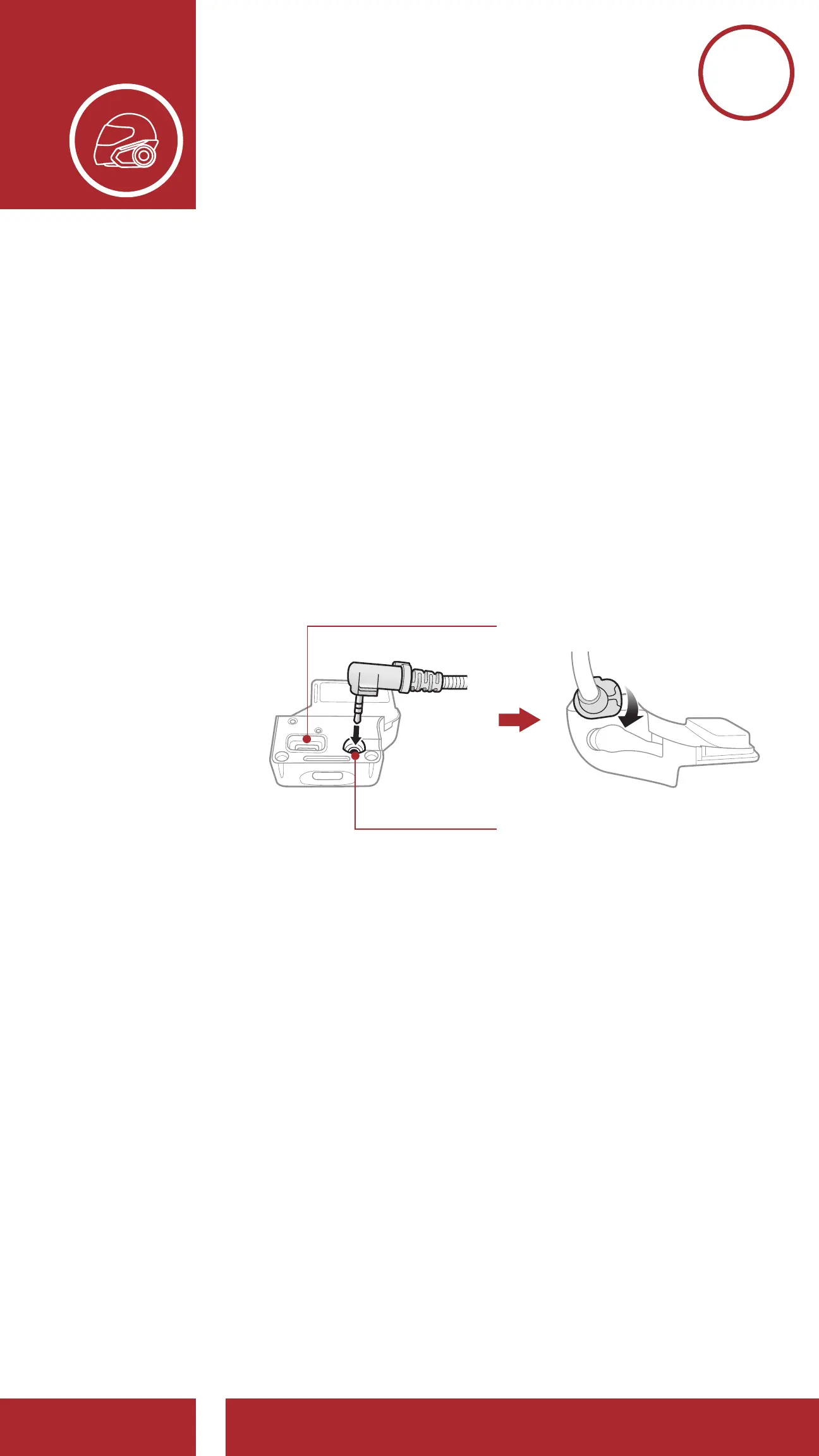
2.3 Switching the Microphone
If you want to use a different microphone instead
of the static boom microphone, please refer to the
following steps.
1. Remove the back plate of the clamp unit.
2. Connect the microphone according to your
helmet type.
3. Lock the microphone to the clamp.
4. Reattach the back plate to cover the microphone
and the speaker port.
Speaker Port
Microphone Port



 To Next Page