Playing
Music with
Bluetooth
Devices
Playing Music
with non-
Bluetooth
Devices
Music Sharing
Audio Boost
Smart Volume
Control
30K Motorcycle Bluetooth Communication System | 44
6. Stereo muSic
MENU
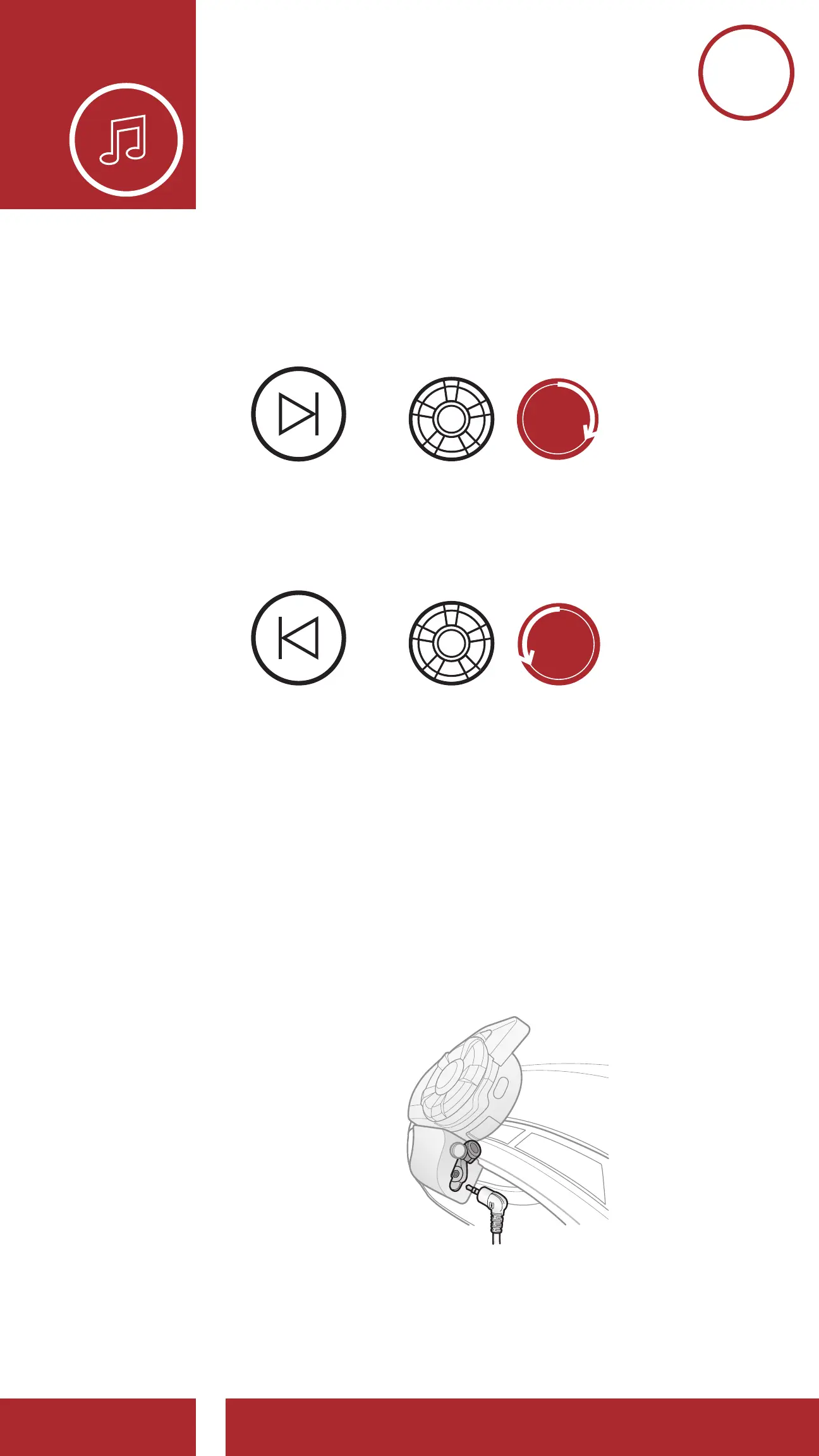
3. To track forward or back, rotate while pressing the
Jog Dial clockwise or counterclockwise.
Track Forward
Track Backward
=
=
SKIP TRACK
FORWARD
SKIP TRACK
BACKWARD
=
Volume Up
Volume Down
VOLUME
DOWN
VOLUME
UP
6.2 Playing Music with non-Bluetooth
Devices
You can play music that is stored on non-Bluetooth
devices such as MP3 players. To connect your
device to the headset, plug the enclosed 2.5 to 3.5
mm audio cable into the AUX ports, both on the
headset and on your device.



 To Next Page