QUICK START GUIDE
Phone Pairing
There are three ways to pair the phone.
Initially Pairing the Latitude S1
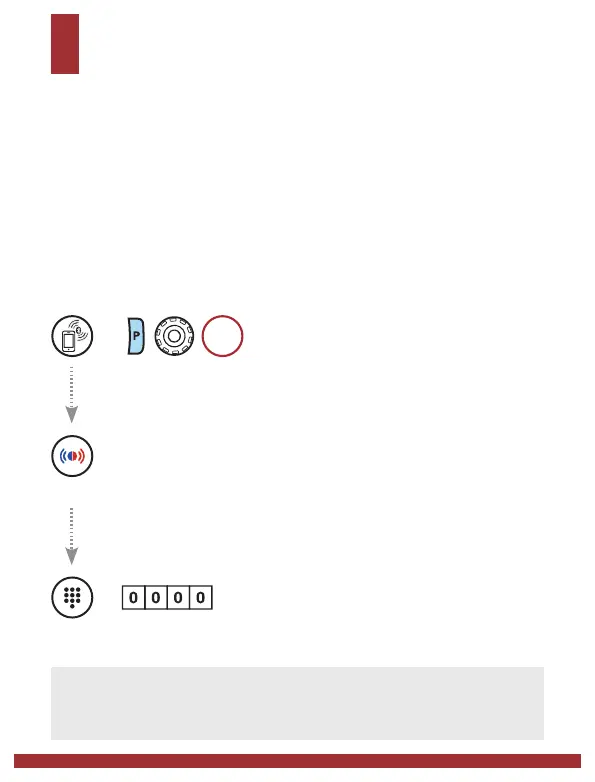
The Bluetooth system will automatically enter the phone pairing mode
when you initially turn on the Bluetooth system or in the following
situation:
• Rebooting after executing Factory Reset
=
1s
HOLD
=
Alternating blue and red flashing lights indicate the device is
now discoverable. With your mobile phone in Bluetooth-pairing
mode, select Latitude S1 in the list of devices detected.
LED
STATUS
=
PIN
NUMBER
Note:
• The phone pairing mode lasts for 3 minutes.
• To cancel pairing, tap the Phone Button or Jog Dial.


 To Next Page
 Loading...