To change display settings, hold the up and down button
simultaneously to enter the advanced settings menu. In
this menu, clicking the up and down button to toggle from
P01 to P18. Clicking the button to flash the value
number
. To adjust the value of each setting, click the up
and down accordingly. After changing the value, hold the
button within 10 seconds to save changes. If there is
no save or no action within 10 seconds, you will
automatically exit the advanced settings without saving
values.
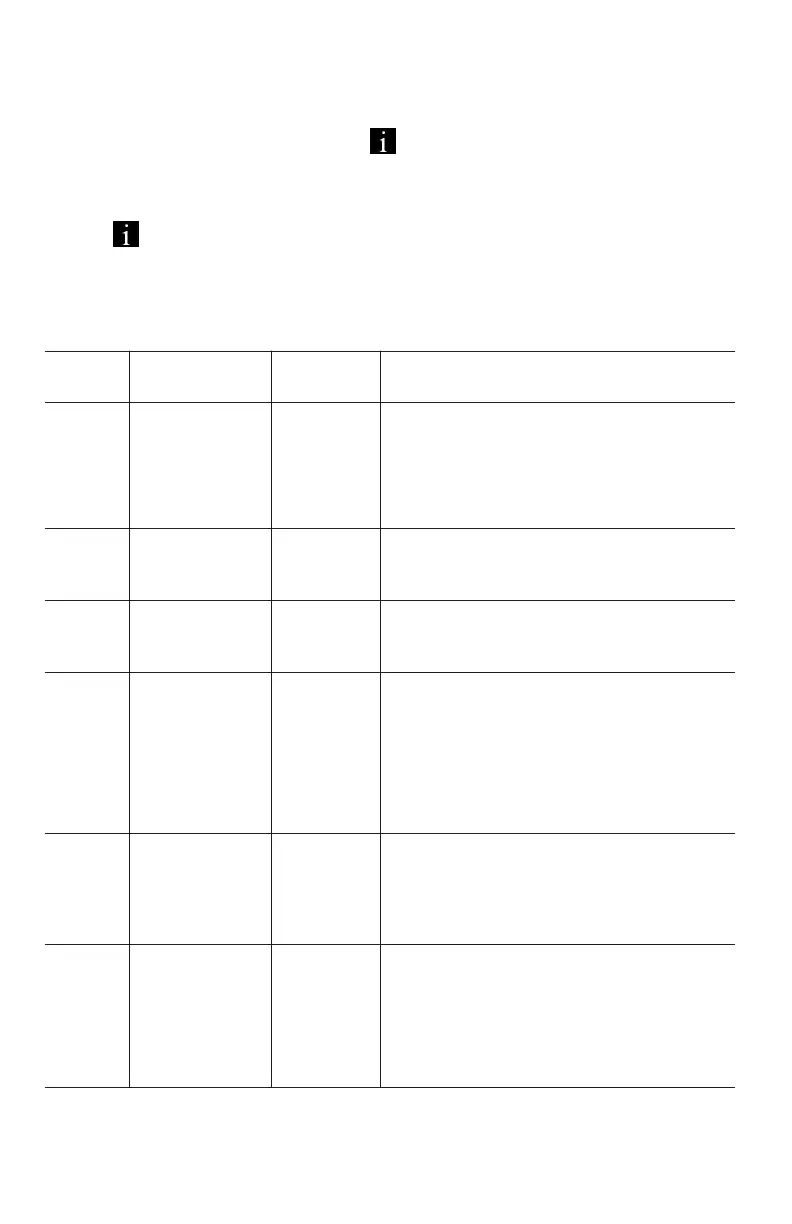
Backlight display brightness. The
darkest level is 1, the brightest
level is 3.
Distance Units. 0: KM; 1: MILE.
Voltage of the motor. Do not
change it.
LCD Display sleep timer. With the
default setting, the display will turn
off after it has not been used for
10 minutes.
The pedal assist level ranges 0 to
5.
Tire size. Used by the electronics
to compute speed and distance
Traveled. Do not change it.



 To Next Page