9
Tool Use
Read section titled “Safety Warnings” before using tool.
1
2
3
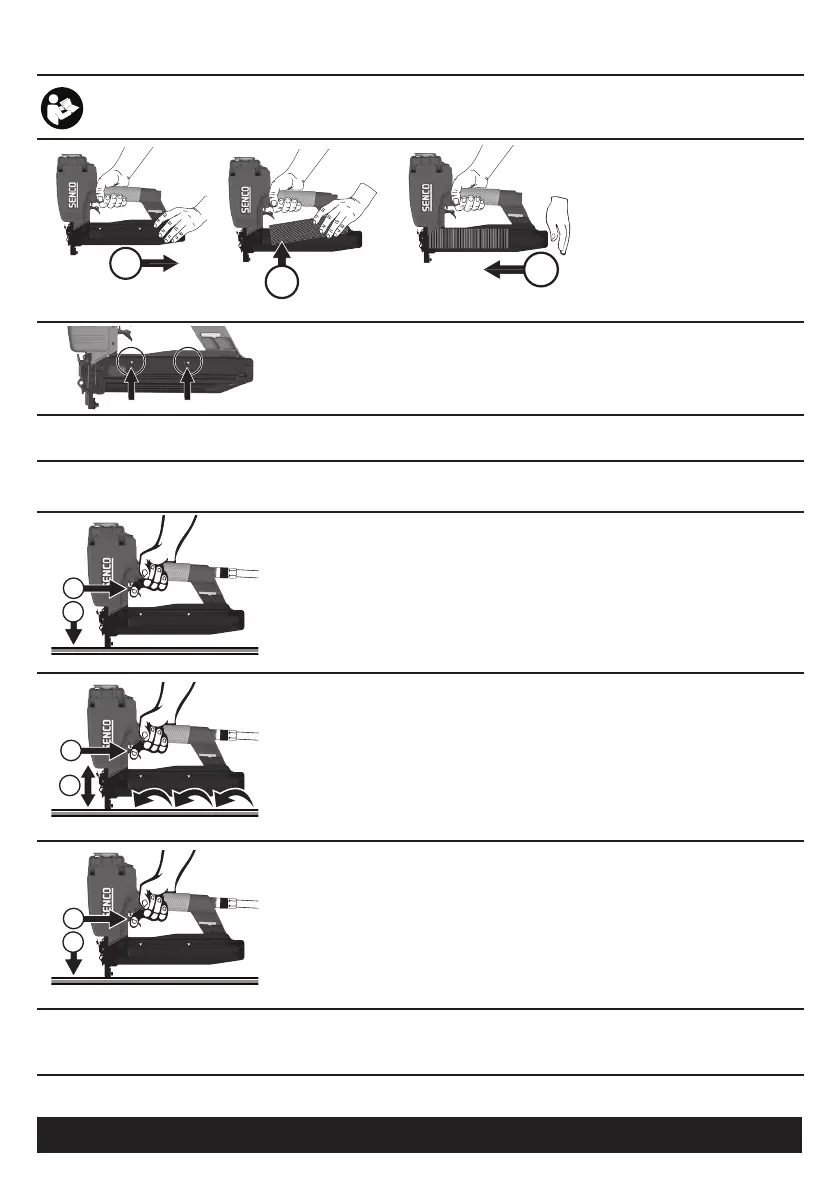
LOADING THE TOOL:
➀ Pull feeder shoe back into
“Locked” position.
➁ Lay strip of fasteners onto rail.
③ Tap feeder shoe and allow to slide
forward.
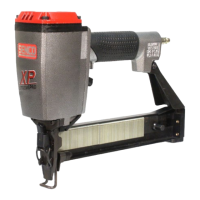
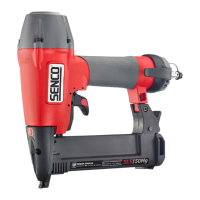
SNS50XP / SQS55XP
When the feeder shoe aligns with the reload indicator, additional fasteners
(1 or 2 strips) can be loaded.
Do not load with workpiece contact (safety element) or trigger depressed.
Use only genuine SENCO fasteners (see Fastener Specifications).
Actuation System:
With a Contact-Actuation (“Dual-Action”) trigger, fasteners can be driven two ways:
1
2
The First Way:
➀ Press the workpiece contact (safety element) against the work surface.
➁ Pull the trigger and the fastener is driven.
2
1
The Second Way:
➀ Pull and hold trigger.
➁ Depress workpiece contact element against work surface and drive a fastener. Each
time you push the workpiece contact (safety element) against the work surface, a
fastener is driven.
This mode of operation is preferred when you desire high production, and rapid fastener
placement.
1
2
With a Sequential Actuation (Restrictive) trigger, fasteners can only be driven
one way:
➀ Press the workpiece contact (safety element) against the work surface.
➁ Pull the trigger.
This mode of operation is helpful when you require precise fastener placement.
Read the “Customer Satisfaction and Safety Reminder” (CSSR) in the tool and fastener boxes for safety infor-
mation regarding the Contact-Actuation and Sequential trigger modes. Under certain conditions, the Sequential
trigger mode may reduce the possibility of injury to you or to others working with you.


 To Next Page