10 EN
EN
Revision 09/2016Copyright © 2016, Fast ČR, a. s.
Device
3. Device
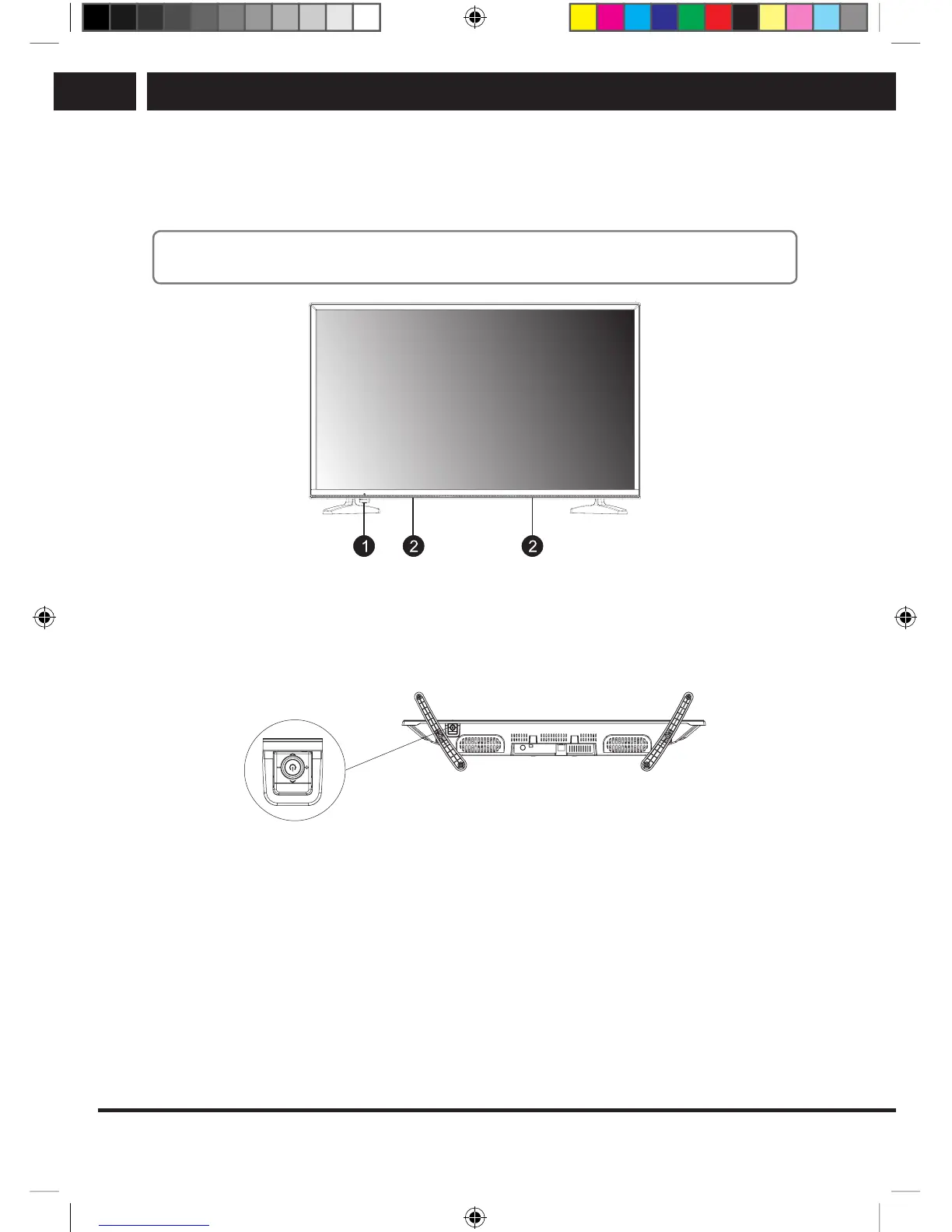
Panel button
Note:
Pictures are for illustration only.
1. Power indicator / remote control sensor / directional controller + switching button
2. Speakers
3.1. Joystick control (only SLE 3258TCS)
Bottom view
Press in medium position:
1. Brief press in the Standby mode will switch on the device.
2. Long press in the ON mode will switch off the device.
3. In the On mode and during regular watching (menu not shown) you can enter by
brief press in the Menu of the device or confirm the selected item by OK (similarly
like pressing Enter on the remote controller).
4. In the On mode and in the displayed menu, long press exits the device menu to
regular watching or returns to the previous submenu/higher level menu (like pressing
Menu on the remote controller).
Move left: moving in the menu to the left or lowering the volume
Move right: moving in the menu to the right or increasing the volume
Move forward: moving in the menu downward or going to alower channel number
SLE SLE 2464TCS + SLE 3258TCS EN+CZ+SK+HU+PL.indb 10 08.09.2016 0:57:27



 To Next Page