EN 31
EN
Revision 09/2016Copyright © 2016, Fast ČR, a. s.
USB CONTROL
8.2. Movie playback
Press INFO / [V] to display /exit the following menu bar. Use the USB device control on
the remote controller to perform actions within the menu.
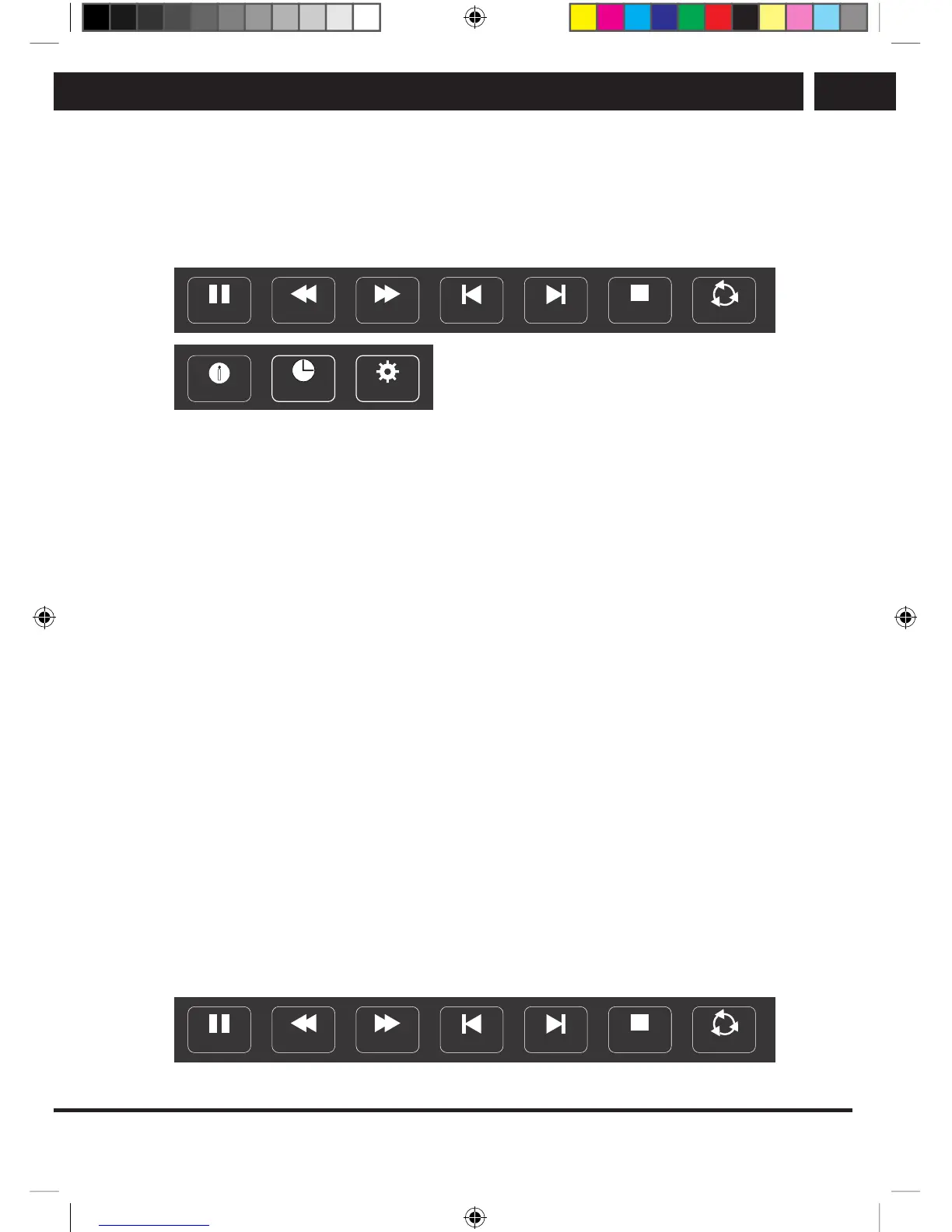
Movie control bar
FB FF
Prev. Next
Stop
Go to time
Aspect Ratio
Info.
I
Repeat All
A
Pause
Play and pause / Stop / Previous / Next
Press [B/X] to start or pause playback; press [x] to stop playing; press [Ib] / [BI] to play
the previous or the next video file. You can also use [b] / [B] to mark one of four icons
and then press ENTER. The TV will respond accordingly.
Fast forward / Rewind
Press and hold [
m
] / [
M
] for several seconds to move the playback as you require; then
press [B/X] to start playback from the new position.
Playback mode
Select the appropriate icon and press ENTER to switch to another playback mode.
Information
Select an icon and press ENTER to view information about the played video.
Jump to time entered
Skipping to specific position by entering the time. Select the appropriate icon and press
ENTER to open the screen on which the time can be entered. Press [b] / [B] to move the
cursor and use the numerical buttons to enter the time. Press ENTER and the TV starts
playing from the set time.
Aspect ratio
Select the button and press ENTER to select the display mode.
8.3. Music playback
Press INFO / [V] to display /exit the following menu bar. Use the USB device control on
the remote controller to perform actions within the menu.
Music control bar
FB FF
Prev. Next
Stop Repeat All
A
Pause
SLE SLE 2464TCS + SLE 3258TCS EN+CZ+SK+HU+PL.indb 31 08.09.2016 0:57:29



 To Next Page