English
9
User Interface
2.2.4 Advance Timer
User can set timer for watching the program by date and time manually or from the TV/Radio Guide(see
section 2.3.2). When setting date and start time is arrived, STB will automatically switch to the wanted
program. Press any key except <Vol-/Vol+/Mute> button, STB asks user to abort it or not when watching
booked program. User can delete the event while it isn’t at running.
2.2.5 Set Default
Restore STB to factory default. All settings did by user will be restored to factory default values and the
database will be erased together.
2.3 TV/RADIO
There are two types of program: TV and Radio.
The operation of the List and Guide of TV and Radio are almost the
same. Herein take TV as example.
2.3.1 List
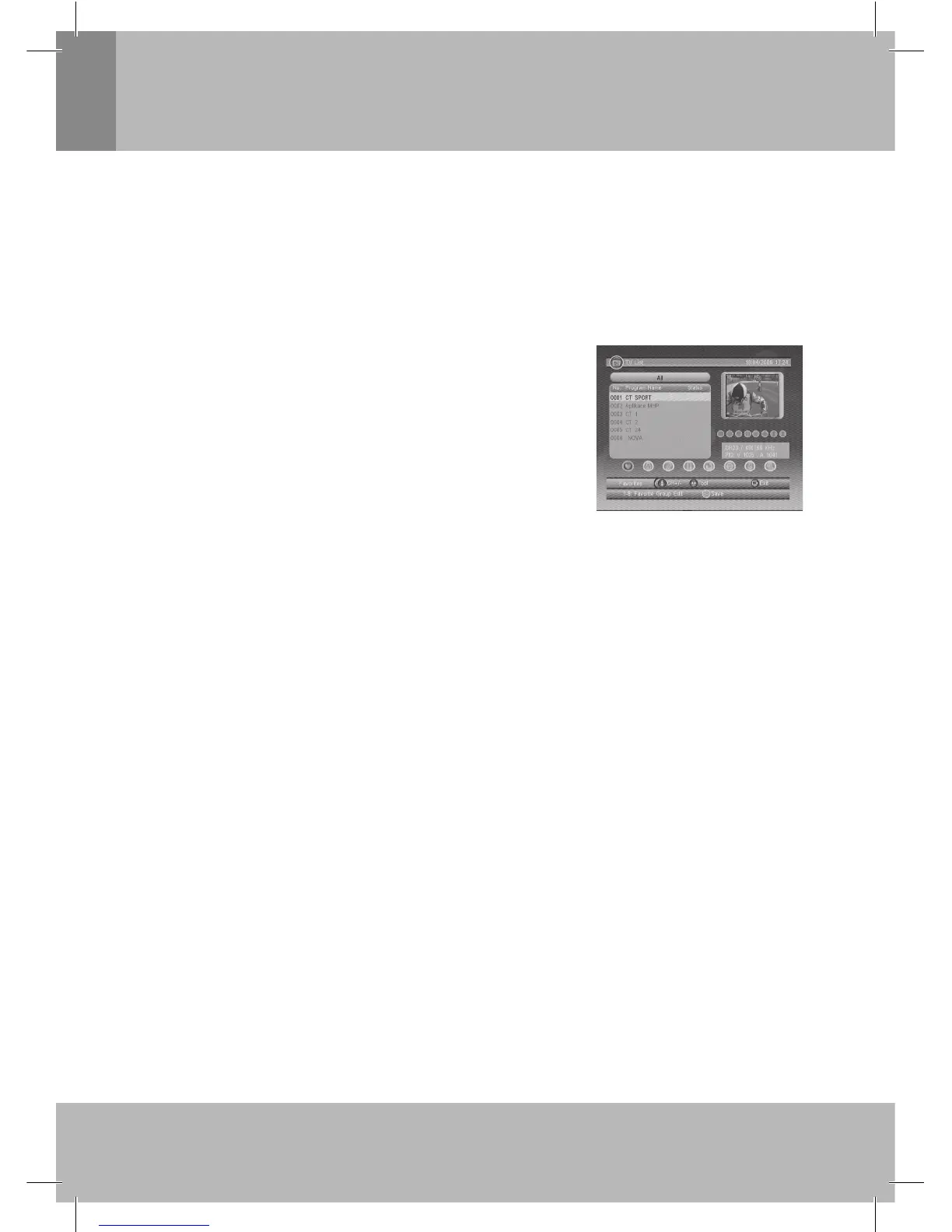
User can operate some functions in List. See Figure 7.
2.3.1.1 Favorite
User can quickly channel up/down the favorite programs by favorite
fi lter. There are 8 groups of favorite for user setting:
Figure 7. TV List
News, Sport, Movie, Music, Shopping, Travel, Boy and Girl. Press <1~8> button to set or clear the favorite
group when Favorites option selected.
2.3.1.2 Lock
Lock will ask password before watching this program when SETUP -> Password >Channel Lock is
turned on. Please see section 2.2.3.2 for details.
Press <OK> button to set or clear lock status when Lock option selected.
2.3.1.3 Edit
User can edit the program name, maximum length is 20 characters.
1. Press
◄/► button to select Edit option and ▲/▼ button to select the program.
2. Press <OK> button to display program info and press it again to edit program name.
3. Press
▲/▼/◄/►/0~9/RED/GREEN button to select the character.
4. Press <OK> button to fi nish the editing and return to previous program info page.
5. Press <RED> button to save the editing and return to List or press <Exit> button to return to List without
saving.
2.3.1.4 Move
Move will allow you move the position of the channels in the list.
Note: This option will not appears in this list when SETUP->Installation->LCN is set to ON.
2.3.1.5 Sort
Sort will allow you sort the channels by A<->Z or Pay<->Free.
Note: This option will not appears in this list when SETUP->Installation->LCN is set to ON.
2.3.1.6 Skip
Skip will skip the program when changing program by CH+/-. Press <OK> button to set or clear skip
status when Skip option selected.
2.3.1.7 Delete
Delete will delete the program permanently from database. User must rescan to recover it.
Press <OK/GREEN> button to set delete one or delete all when Delete option selected.


 To Next Page
 Loading...