English
12
User Interface
2.5 ACCESSORY
There are three options: Gomoku, Calendar, Calculator.
Gomoku
Press /// button to set play mode and diffi culty.
Press <OK> button to start play Gomoku.
Press /// button to select the position.
Press <OK> button to place the piece.
Calendar displays the year, month, and date.
Calculator can used for mathematical calculations.
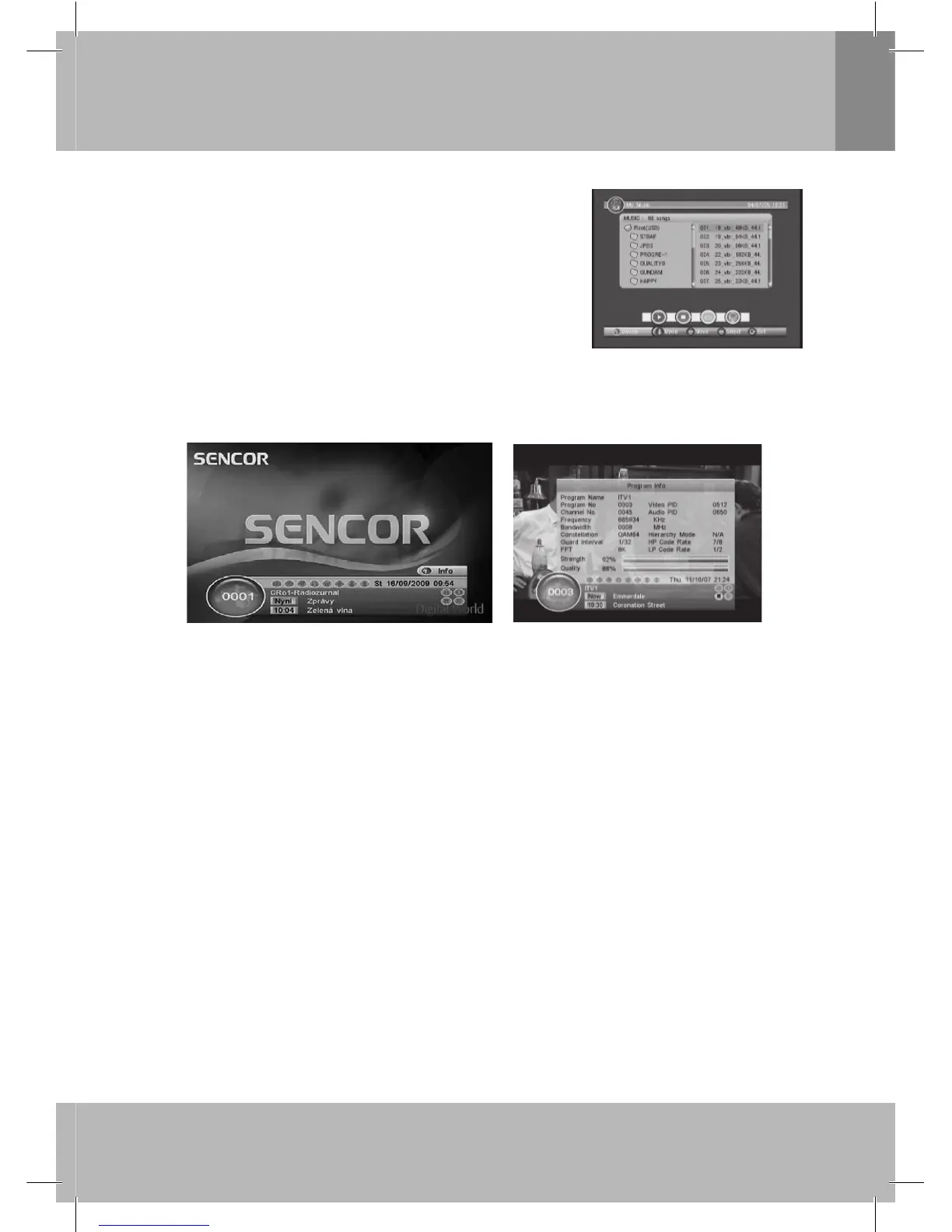
Figure 10. My Music - Browser
3. Normal Play
Normal Play means STB under watching TV or listening to the Radio. See Figure 11.
Figure 11. Normal Play - Radio
Figure 12. Program Info
3.1 Information
Press <Info> button once to display info banner. Banner displays the program No., favorite setting, current
time, program name, now and next event, lock, scramble, subtitle and teletext info.
Press <Info> button when banner exist to display detail info of now event.
Press <Info> button when detail exist to display current program info. See Figure 12.
Note: Content and actuality of displayed informations depend on broadcaster.
3.2 Switch Program
User can switch program by CH+/- or input program number directly. If the input program number doesn’t
exist, STB will ignore the input. Or press<Recall> button to switch to last watching program from current
watching program.
3.3 Volume
Press <Vol-/Vol+> button to adjust the volume.
Press <Mute> button to mute.
If adjust the volume while mute, mute will be canceled.
3.4 Program List
Press <OK> button to display Program List with No., name and lock/scramble/skip
status. See Figure 13.
Press /// to switch the program.
Press <OK/Exit> to return normal play mode.


 To Next Page
 Loading...