EN - 10
Credit cards
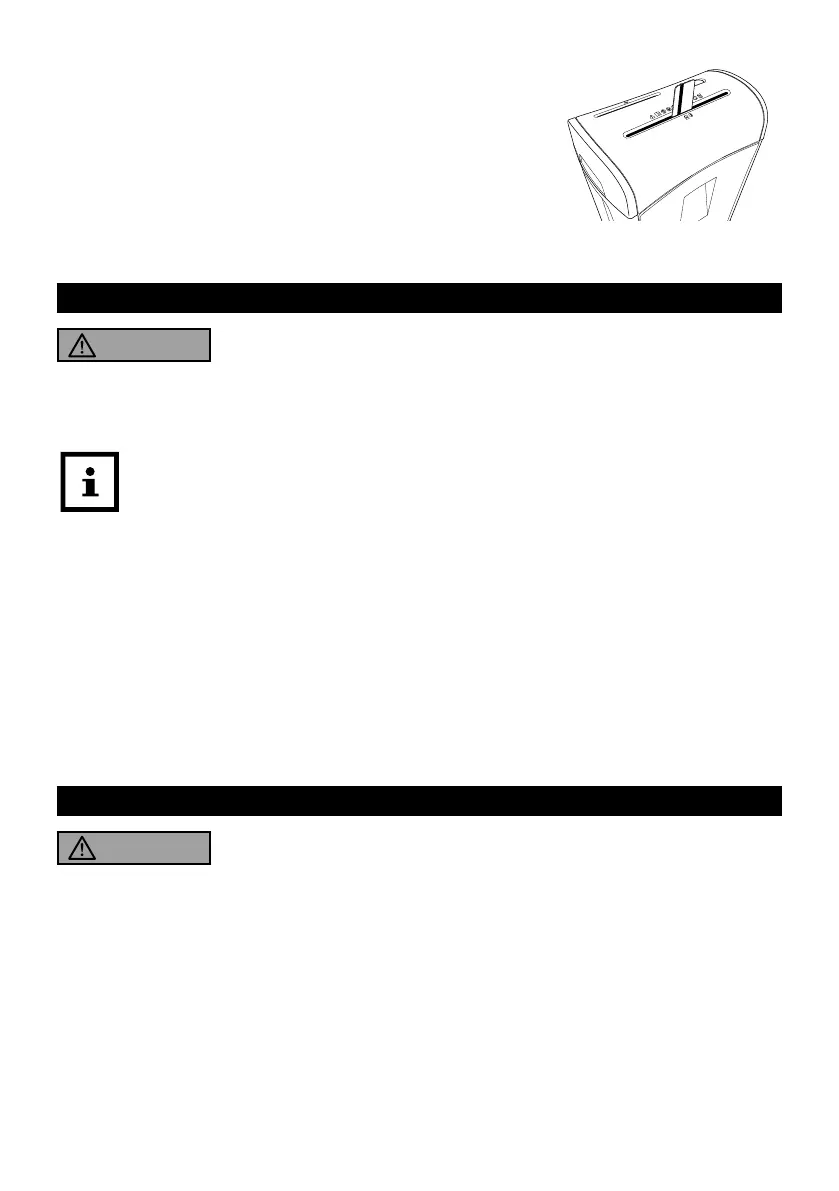
1. Hold the credit card upright.
2. Slide the credit card centrally into the paper / credit card feed slot
8 (see fig. G).
The paper shredder switches on automatically and draws in the credit
card.
Approx. 1-2 seconds after processing the credit card, the paper
shredder will automatically stop and switch to standby mode.
fig. G
9. Emptying the waste bins
WARNING!
Risk of injury!
Handling the paper shredder improperly may result in injury.
- Do not touch the cutting unit with your fingers.
For proper waste disposal, shred credit cards only when there is no processed paper,
and shred paper only when there are no processed credit cards in the paper / credit card
waste bin.
Empty the waste bins regularly to avoid paper, credit card, or CD residues being drawn into the
cutting unit from underneath.
1. Switch off the paper shredder (slide switch 4 at the OFF position) and disconnect the power cord
1.
2. Pull the paper / credit card waste bin qd out from the base unit qf.
3. Remove the CD waste bin qs from the paper / credit card waste bin.
4. Empty the paper / credit card and CD waste bins separately.
5. Replace the CD waste bin in the paper / credit card waste bin and then slide the paper / credit
card waste bin back into the base unit. You must fully slide the paper / credit card waste bin
into the base unit until a click sound is heard. This indicates that the safety switch 6 has been
deactivated for normal operation.
10. Paper, CD or credit card jam
WARNING!
Risk of injury!
Handling the paper shredder improperly may result in injury.
- Never use objects of any kind to clear jammed CDs, credit cards or paper. Do not insert objects
such as knives, scissors etc. into the feed slots.
To clear a jam:
1. Set the slide switch 4 to the REV position. The paper shredder runs in reverse direction.
2. The paper, credit card, or CD is discharged through the respective feed slot.
3. Allow the paper shredder to cool down to room temperature before you restart.



 To Next Page