EN - 6
INSTALLATION LOCATION OF THE SENSOR
● The cover of the external sensor is not waterproof. If the sensor is located outdoors then
it must be located in a covered area so that it is not directly rained or snowed on.
● Never place the sensor on metal surfaces or objects or place it inside metal covers.
If possible, locate the sensor on the northern side of the house so that the temperature
reading is not skewed by the effect of sunlight.
LOW BATTERY WARNING
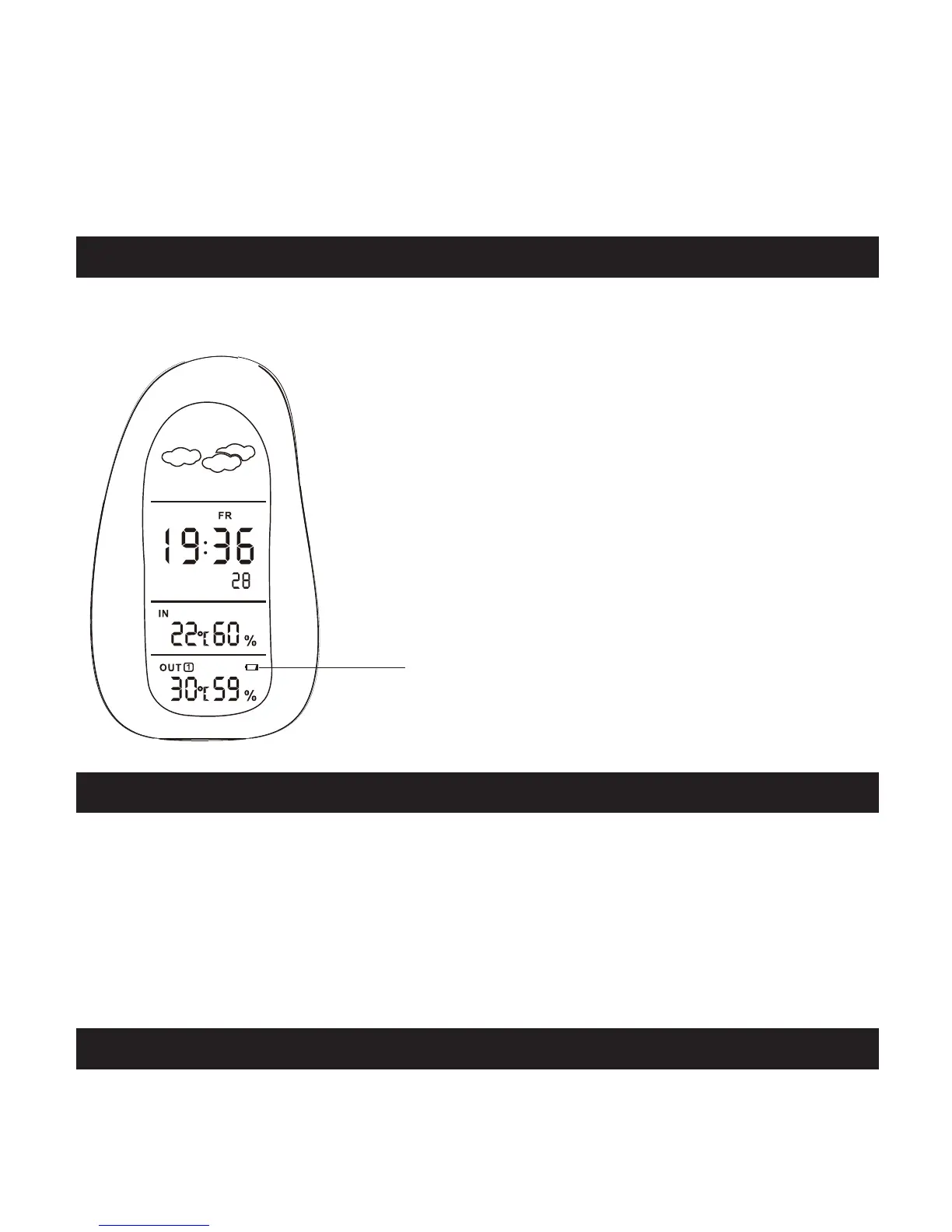
A low-battery indicator will appear on the main unit, warning that the corresponding batteries
need replacement.
Low power
GETTING STARTED
TEMPERATURE DISPLAY
Once the batteries have been installed, the remote sensor will transmit temperature data at
30 second intervals. The main unit may take up to two minutes to receive the initial readings.
Upon successful reception, the remote temperature will appear on the top line of the main
unit’s display (the default remote channel is channel one). The main unit will automatically
update readings at 30 second intervals. Once communication between the main unit and
remote sensor has been established, secure the remote sensor in the desired location.
PLACEMENT OF THE UNITS
The main unit can be placed on any fl at surface indoors
The remote sensor can be placed indoors or outdoors, on a fl at surface or mounted on the wall.



 To Next Page