EN – 4
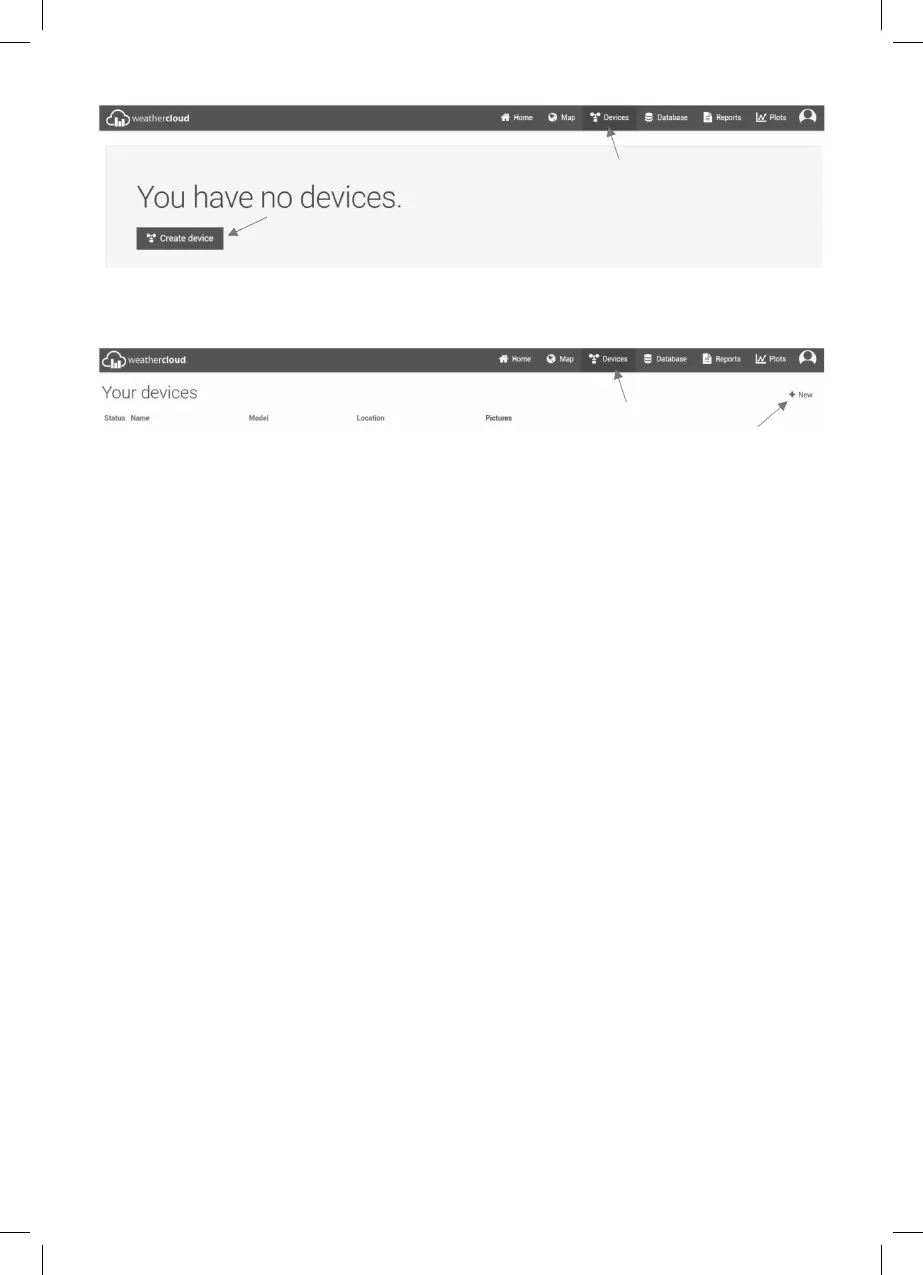
If you already have a device added to the server, select “+ New“ in the upper right
corner, where you will create another new device.
3. Fill in the “Create new device“ page
“Basic information“:
– “Name“: Name your device
– “Model“: In the CCL section, select the "W100 Series" device
– “Link type“ choose “Pro Weather Link“
“Location“: Enter the location information of the Weather Station:
– “Country“: Select the country in which the device will be operated.
– “State / Province“: Select the region in which the device will be operated.
– “City“: Enter the name of the municipality/city
– “Time zone“: Select the time zone for your country.
“Get coordinates“:
– Use the Get Coordinates button to display a world map in which you can use the
mouse cursor to select the exact location of your weather station. Save the selected
area with the "Done" button at the bottom of the map window.
It is also possible to enter coordinates manually in the fi elds:
– “Latitude“
– “Longitude“
– “Altitude“
– “Height“
After fi lling in all the necessary data for registration, create the device using the buttons
“Create“ at the bottom right of the page.



 To Next Page