EN – 6
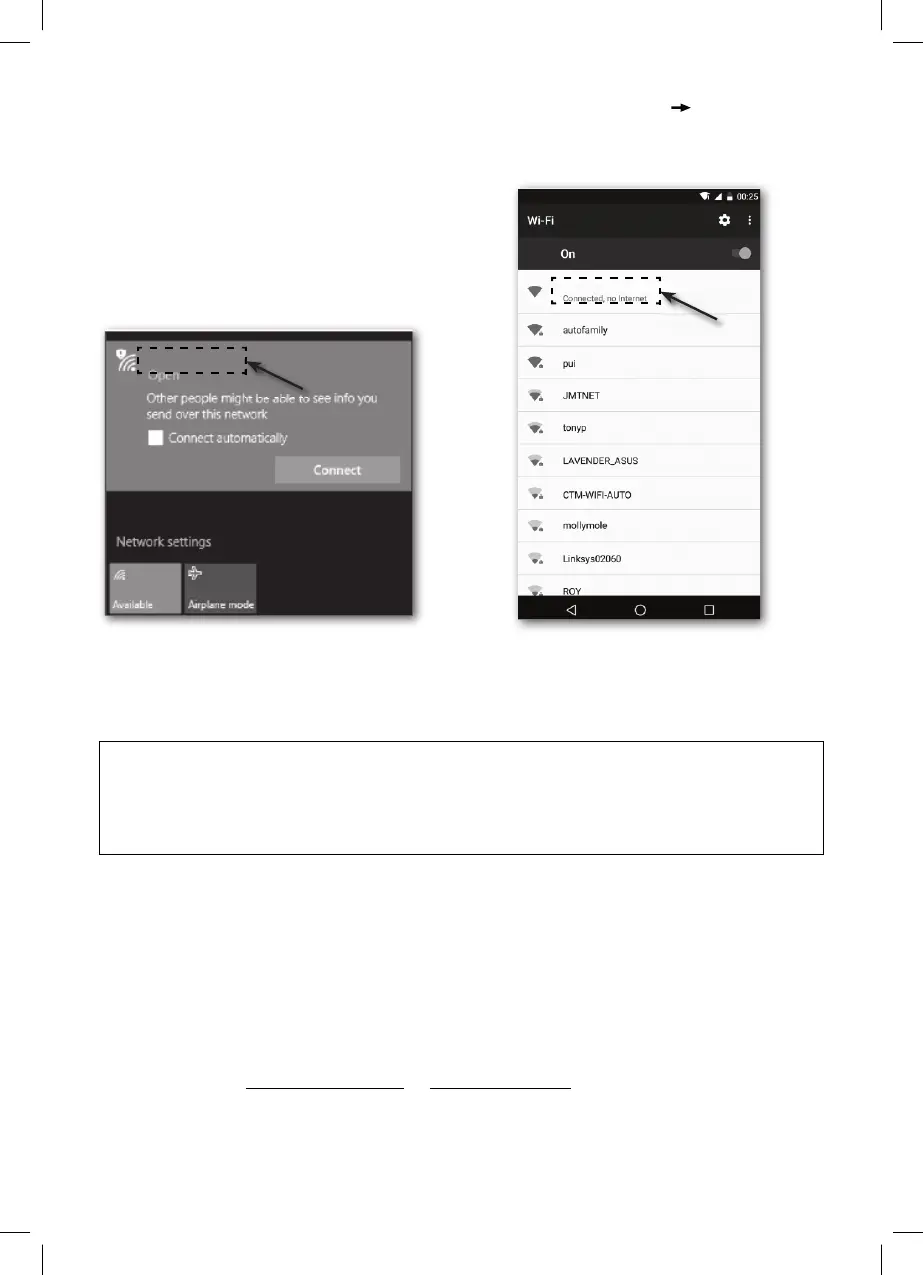
3. Select WiFi settings on the PC or select the settings on Android/iOS WI-FI to
select the SSID of the station: PWS-XXXXXX in the list; the connection will take a few
seconds.
PWS-XXXXXX
PWS-XXXXXX
4. Once connected, enter the following IP address in the address fi eld of your Internet
browser to access the station’s web interface:
http://192.168.1.1
NOTE:
• Some browsers will treat the data 192.168.1.1 as a search target, so be sure to add
a header http://.
• Recommended browsers include the latest versions of Chrome, Safari, Edge, Firefox
or Opera.
• If the computer is connected to the Internet service using an RJ45 (ethernet) cable,
or an external modem or other device, disconnect it while the weather station is being
confi gured. This will prevent a confi guration collision of the IP address with another
device.
• You will need to fi ll in all the fi elds each time you edit in the administration environment.
Data entered in the previous confi guration will be lost.
METEOROLOGICAL SERVER CONNECTION SETTINGS
Enter the following information in the "SETUP" page below in the web interface. If you
choose not to use Wunderground.com or Weathercloud.net, leave the checkboxes
unchecked.
PC WI-FI network interface Android WI-FI network interface



 To Next Page