EN – 3
CREATING A WEATHERCLOUD ACCOUNT
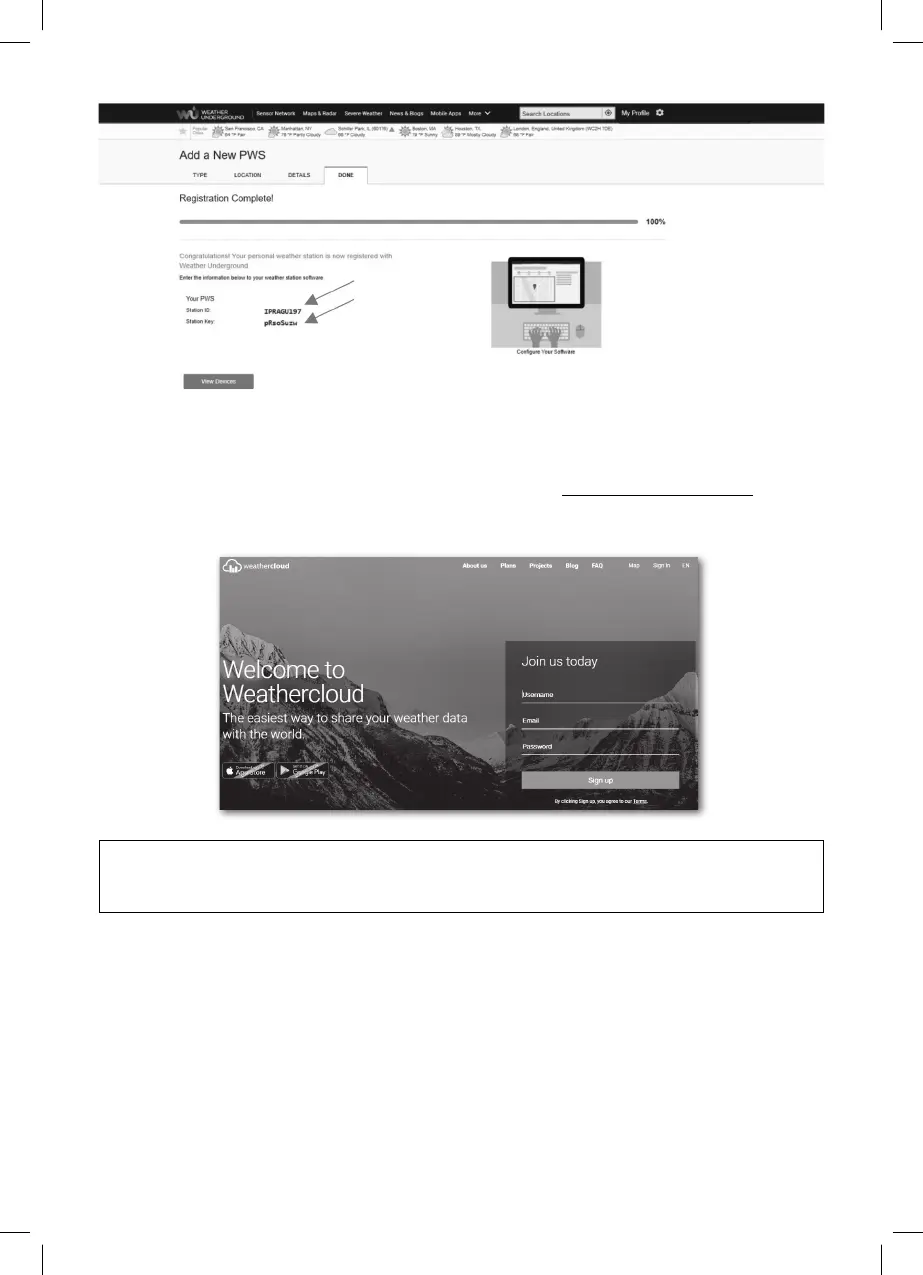
1. If you only want to use the server WEATHER UNDERGROUND, go to the chapter
WI-FI CONNECTION SETTINGS. Register on the site https://weathercloud.net, select
your login details in the section “Join us today“, and follow the instructions to create
your account.
NOTE:
To register your account, enter a valid e-mail address to which the authorization email
will arrive after registration.
2. Log in to Weathercloud and go to the page “Devices“, where you click on “Create
device“.



 To Next Page