12 | AC 3
Using the AC 3
Using the AC 3
Switching the AC 3 on
.
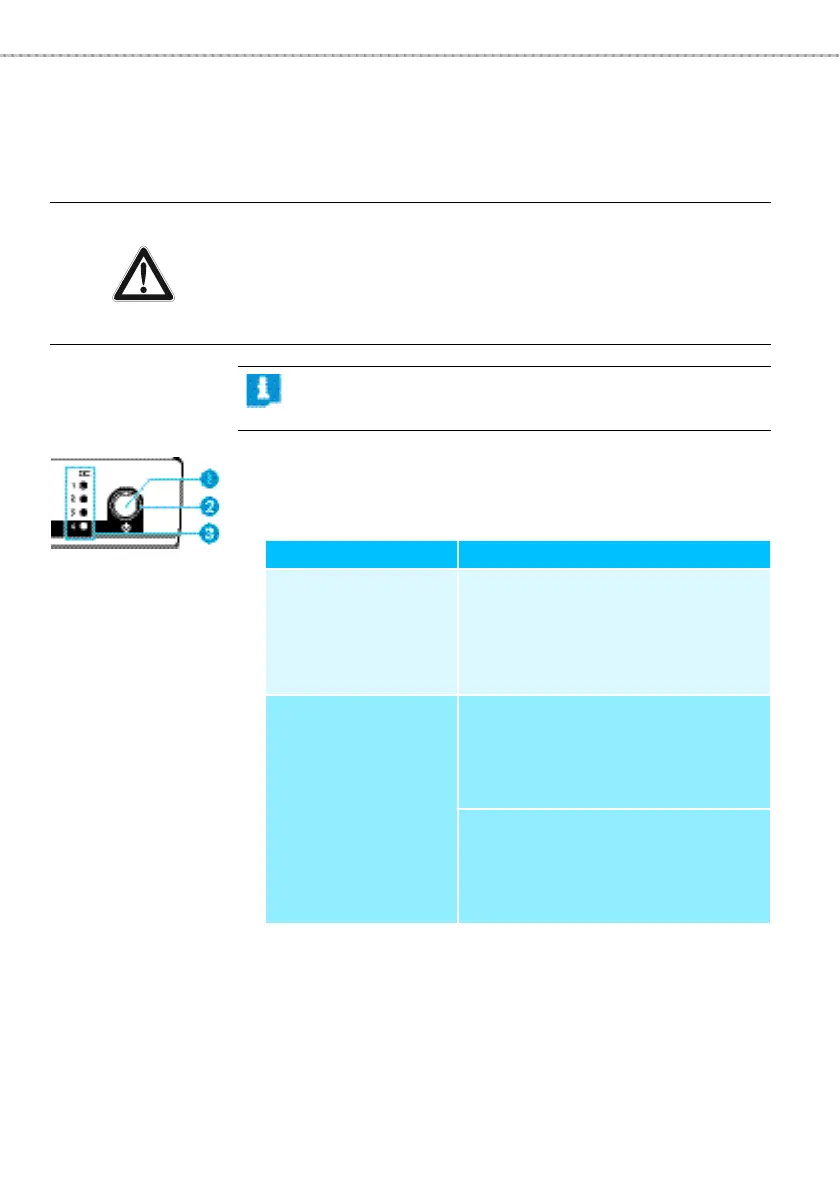
왘 Briefly press the STANDBY button 쐃.
The operation indicator
쐇 lights up green. The LEDs 1 ... 4 쐋
behave as follows:
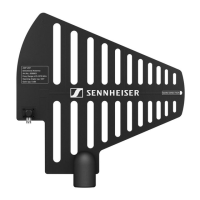
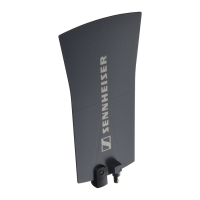
The RF signals of the correctly connected transmitters are
combined and transmitted via the connected transmitting
antenna.
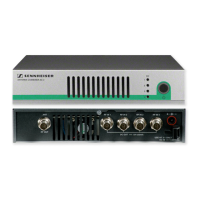
CAUTION! Risk of fire due to overheating of the AC 3!
The AC 3 equipped with a fan to assist dissipation of generated
heat.
왘 Make sure that the air vents 쐆 of the AC 3 are not covered
or blocked.
The fan of the AC 3 is temperature-controlled and
operates only when required.
LED 1 ... 4 쐋 Meaning
lights up You have correctly connected an
SR 300 IEM G3 type transmitter;
the supply voltage for the trans-
mitter is available at BNC socket
RF IN 1 ... RF IN 4.
does not light up There is a short-circuit in the BNC
socket
RF IN 1 ... RF IN 4:
왘 Read the chapter “If a problem
occurs ...” on page 14.
You have connected a transmitter
that is not of the ew G3 series:
왘 Make sure that this transmitter
has its own power supply.


 To Next Page