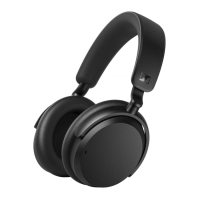
Product overview
8 | ACCENTUM PLUS
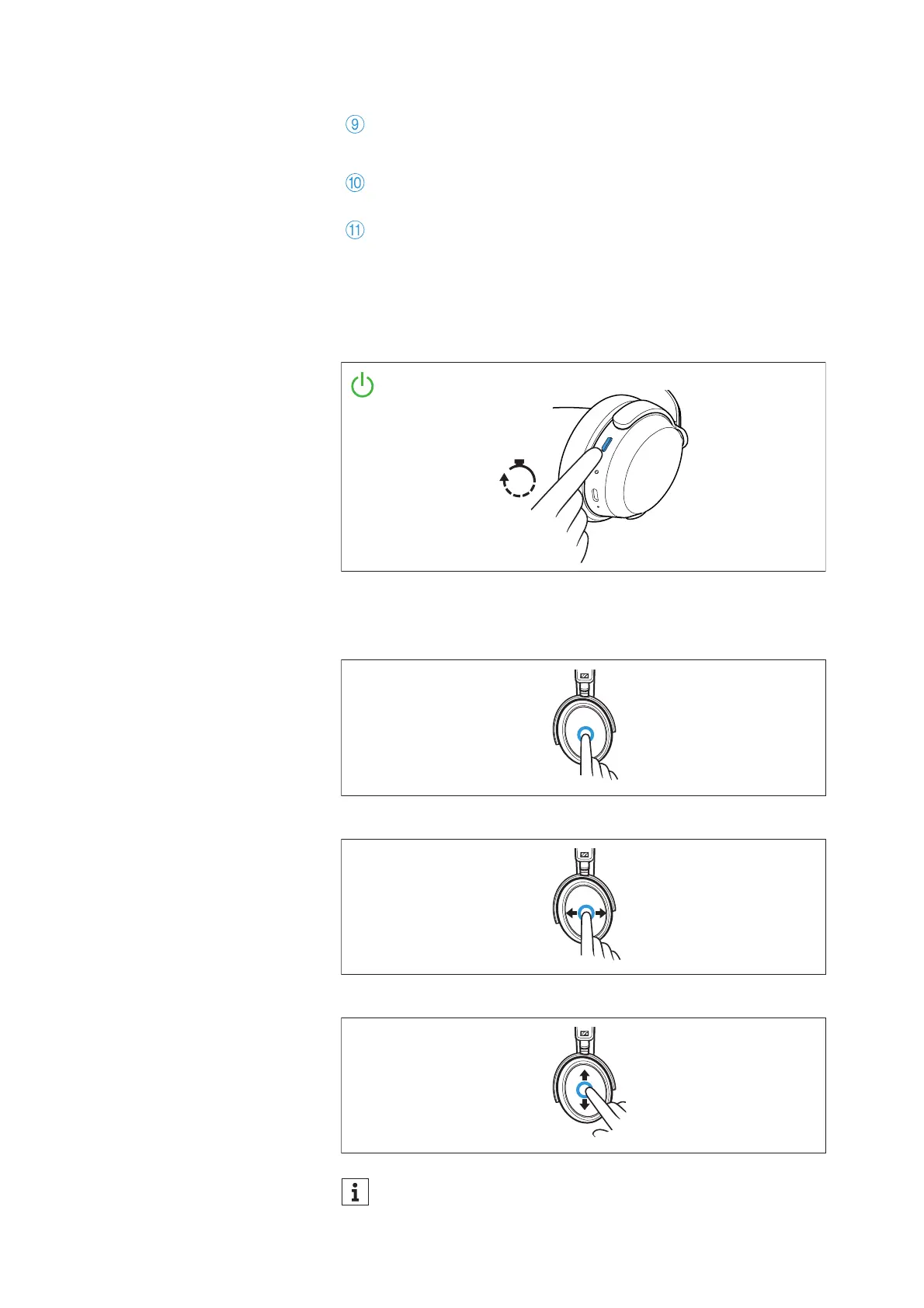
Overview of the smart control
Switch-on of the headphones
• Press the multi-function button for 3 seconds
Gesture control via the touch pad
•Tapping
•Horizontal swipe
•Vertical swipe
Input for analog audio cable, 2.5 mm;
when a cable is connected, flight mode is activated/Blue-
tooth is deactivated
Marking for the right ear (R) and for the left ear (L)
(inside the ear cups)
Microphones for active noise cancellation ANC;
2x directed outward, 2x directed inward (not visible)
You can also deactivate the touch pad function, see: > 32











 To Next Page