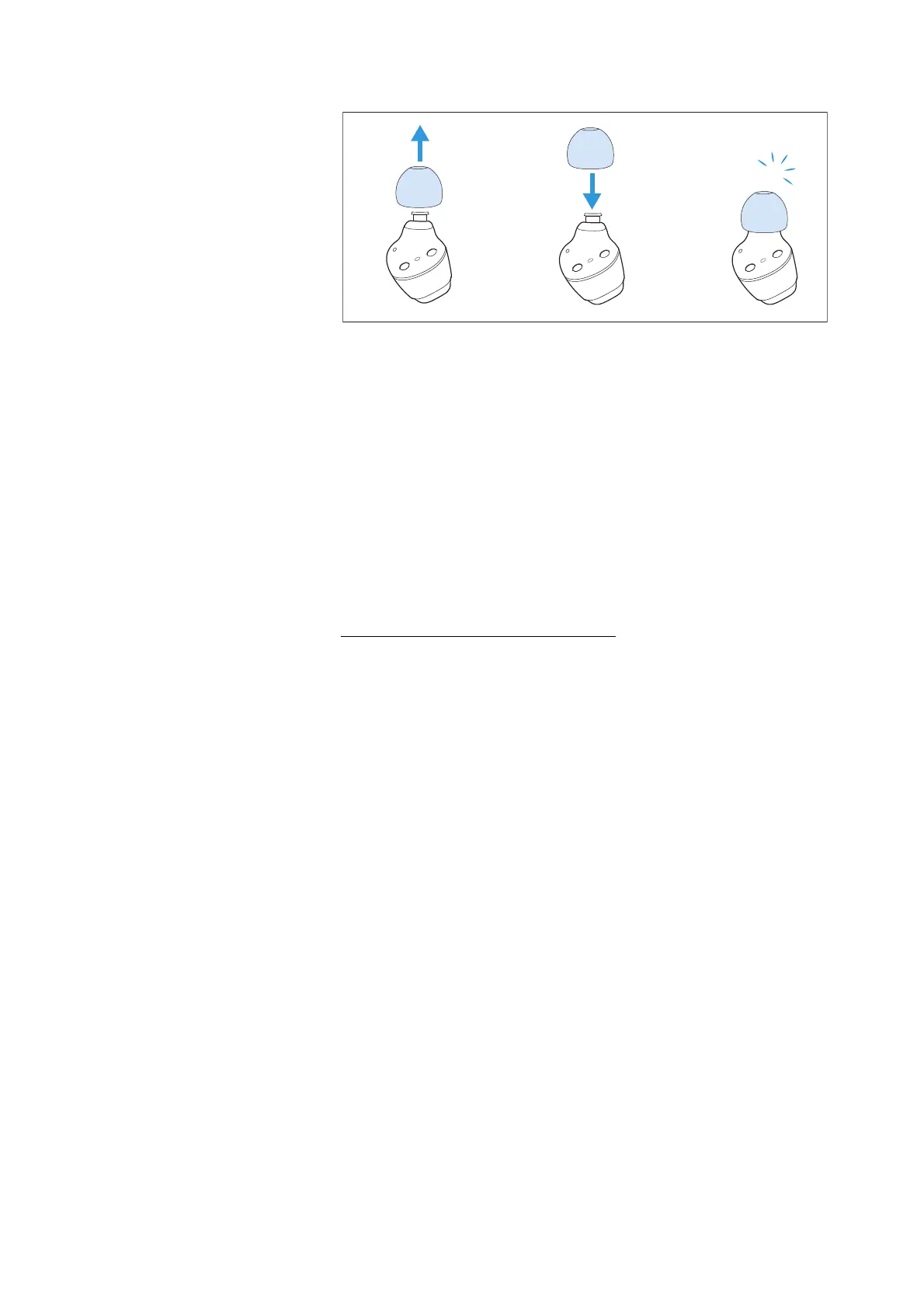
Care and maintenance of the earbuds/charging case
CX True Wireless | 31
Information on the built-in rechargeable
battery
Sennheiser ensures and guarantees that the rechargeable batteries
perform at their optimum upon purchase of the product. If, upon pur
-
chase or within the warranty period, you suspect that a rechargeable
battery is obviously defective or if a charging error/battery error is
displayed (>
8), stop using the product, disconnect it from the power
supply system and contact your Sennheiser partner. Your Sennhe-
iser partner will coordinate the repair/replacement with you.
Do not return a product with a defective battery to your dealer or
Sennheiser partner unless requested to do so.
To find a Sennheiser partner in your country, search at
www.sennheiser.com/service-support.
Installing firmware updates
Firmware updates can be downloaded free of charge from the Inter-
net using the Sennheiser Smart Control app.
▷ Connect your earbuds to your smartphone and start the Smart
Control app (>
19).
▷ The app provides information on available firmware updates and
guides you through the installation process.
▷ Make sure that the batteries are fully charged before updating (>
14). Avoid connecting or disconnecting the USB power supply
during the update process.
▷ The earbuds must be in the charging case and must not be
removed during the update process. Close the lid of the charging
case.






 To Next Page